The Air Keyboard Shortcut plugin allows users to create keyboard shortcuts for their Bubble applications, enhancing user experience by providing quick access to functions or workflows. It supports different types of keyboard shortcuts, including single-key, key combinations with modifiers (like Ctrl, Alt, or Shift), and sequences. The plugin also lets developers assign shortcuts to specific elements on a page or to the entire page itself.
Usage Features: - Allows setting up custom keyboard shortcuts for various actions within a Bubble application.
- Supports triggering workflows using specific key combinations.
- Provides options to configure multiple shortcuts with different key sequences.
- Allows the use of modifier keys such as Ctrl, Shift, and Alt in combination with other keys.
- Can be used to navigate between different pages within the application using shortcuts.
- Supports both single key presses and complex sequences for advanced user interactions.
- Integrates seamlessly with existing Bubble workflows to enhance usability.
- Enables real-time updates and feedback when shortcuts are executed.
- Enhances user experience by reducing reliance on mouse navigation and improving application accessibility.


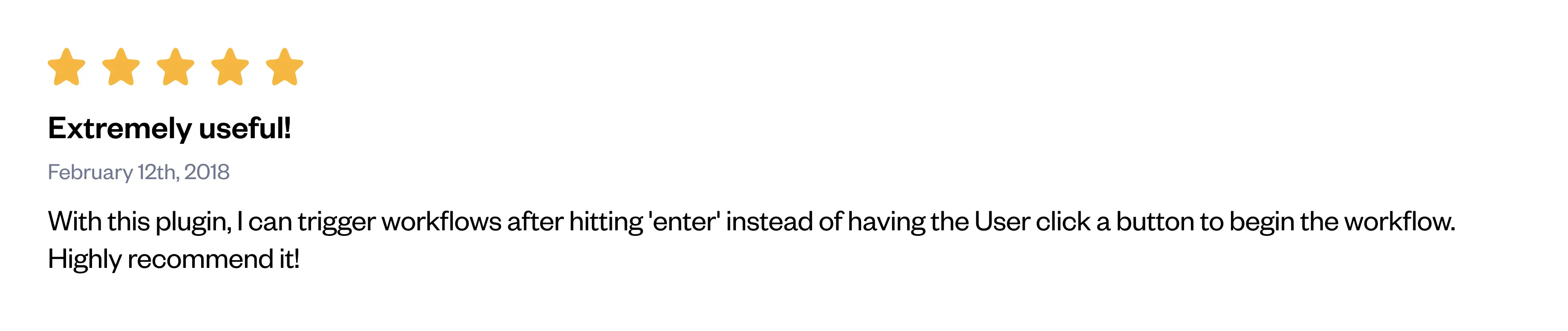
 Feedback
  FAQ
FAQ-
What is the main purpose of the Air Keyboard Shortcut Plugin? The plugin allows users to create and manage keyboard shortcuts to trigger specific workflows or actions within their Bubble applications.
-
How can I assign a keyboard shortcut to a workflow? By adding the Air Keyboard Shortcut element to your page, you can define keyboard combinations that will trigger the specified workflow using its unique ID.
-
Can I use modifier keys like 'Shift' or 'Ctrl' in my keyboard shortcuts? Yes, the plugin supports the use of modifier keys such as 'Ctrl', 'Shift', 'Alt', and 'Cmd' in combination with other keys to define shortcuts.
-
Is it possible to have different shortcuts for different pages in my application? Yes, you can configure unique shortcuts for each page by setting up the Air Keyboard Shortcut element individually per page.
-
Does the plugin support mobile devices for triggering workflows via keyboard shortcuts? No, keyboard shortcuts are typically not supported on mobile devices, as they lack a physical keyboard for input.
 Other plugins from Zeroqode
-
Keyboard Shortcuts for Workflow Plugin for Bubble -
Virtual Keyboard Plugin for Bubble -
Hide mobile/virtual keyboard Plugin for Bubble-
Air Date Time Picker Pro Plugin for Bubble Support
If you still have questions or unresolved issues, you can
contact us.
Risk-free TrialThe most risk-free way to try out this plugin is to subscribe to it. If you unsubscribe a few days later you will be charged on pro-rata basis, so for example if the plugin monthly price is $5 then you’d pay only 17¢ per day ($5/30 days)!
Donations🔥 Please support our efforts to keep this plugin free—your donations help us invest the time and resources needed to continue maintaining and improving it for everyone's benefit:
https://zeroqo.de/support.
 Built on Bubble

