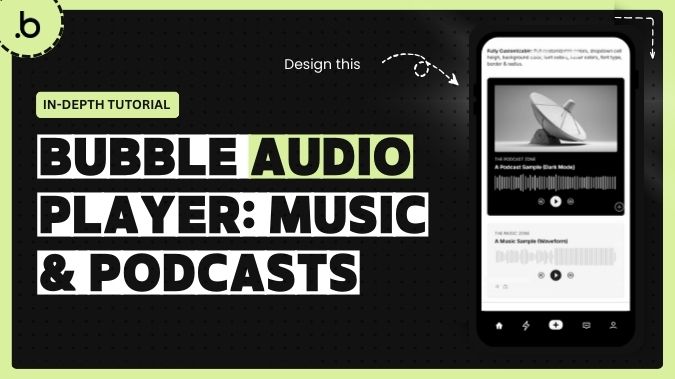
Build the audio experience your users expect. Whether you're creating a music streaming app, podcast platform, voice messaging tool, audiobook reader, language learning app, or meditation platform — this plugin gives you a production-ready audio player in minutes, no custom code required.
What Can You Build With This?
🎵 Music apps with sleek waveform or minimalist progress bar players
🎙️ Podcast platforms with chapter markers and seek-to timestamps
💬 Voice messaging apps with clean, responsive playback controls
📚 E-learning and audiobook apps with speed control and chapter navigation
🧘 Meditation and wellness apps with smooth, distraction-free playback
Two Player Modes, Fully Your Design
Choose between a detailed waveform visualization that shows audio amplitude patterns, or a clean flat progress bar for a more minimal look. Colors, bar width, spacing, radius, height — everything is customizable to match your brand, pixel by pixel.
Powerful Playback Controls
Play, pause, stop, seek to a specific timestamp, skip forward or backward by any number of seconds, adjust volume, and change playback speed from 0.5x to 3x — all with simple, dedicated actions built right into Bubble.
Real-Time State Tracking
Access live data like current playback time, total duration, playing status, volume, and speed. Use these states to build progress bars, conditional UI updates, or any dynamic experience tied to your audio.
Event-Driven Workflows
Connect your Bubble workflows to key audio events — play, pause, finish, seek, ready, and error — enabling analytics tracking, custom notifications, and synchronized UI updates across your app.
Fully Responsive & Mobile Ready
Works seamlessly on both desktop and mobile. Touch controls are built in, so your users get a native-feeling experience no matter what device they're on.
Built for Performance
Lightweight rendering, automatic CORS handling, intelligent resize observers, and memory leak prevention — so your app stays fast even in complex layouts or repeating groups.
👀Demo:
https://nebulum-plugins.bubbleapps.io/version-test/audio_visualizer🎓 Demo Editor:
https://bubble.io/page?id=nebulum-plugins&tab=Design&name=audio_visualizer&type=page📹 Watch the full tutorial here:
https://www.youtube.com/watch?v=dcPyZ7JZ_W0🌐 Need help building your app? Visit us at:
https://nebulum.one/🧩 Browse all our Bubble plugins:
https://nebulum.one/bubble-plugins/ Built on Bubble
