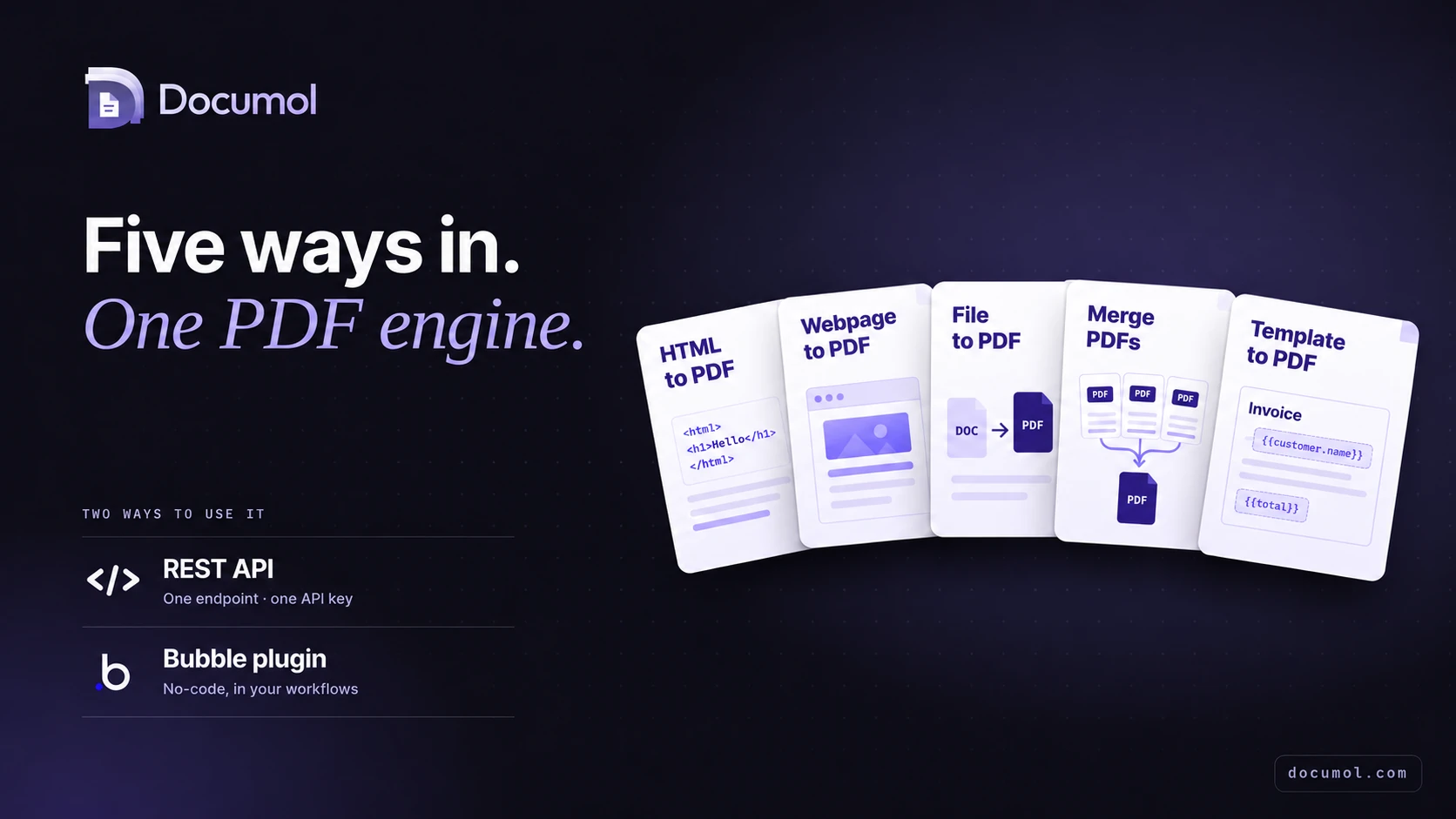
Convert HTML, Bubble Pages/URLs, Files and reusable Templates into searchable PDFs, Merge multiple PDFs, and save the result in Bubble’s File Manager or link it to a database record. Create invoices, reports, proposals, contracts and certificates directly from your Bubble workflows.
Documol — PDF Generation, Conversion & MergeGenerate documents. From your app.01 · HTML to PDFTurn HTML and CSS into a PDF with dynamic data from your Bubble app. Ideal for custom invoices, reports and branded documents.
02 · Bubble Page (URL) to PDFGenerate a PDF from a publicly accessible HTTPS Bubble page or webpage. Add the source domain to your Documol workspace, then supply the page URL.
03 · File to PDFConvert supported documents, spreadsheets and presentations into PDFs, including DOCX, XLSX, PPTX, ODT, RTF and CSV. Supply a readable source-file URL.
Explore file formats and compatibility04 · Merge PDFsCombine 2–100 existing PDFs into one document in your chosen order. Ideal for proposals, attachments, statements and document packs.
Available on eligible plans; combined file-size limits apply.05 · Template to PDFCreate reusable layouts in Documol’s block builder or HTML editor, then populate them with JSON data from Bubble. Supports dynamic fields, nested values and repeating rows.
06 · Download PDFDownload an existing PDF from a page workflow with a filename you choose. Use a completed generation or another browser-accessible PDF URL.
SYNCHRONOUS & ASYNCHRONOUS GENERATIONSynchronous: Wait for generation and saving to finish, then use the returned PDF link in the next workflow step.
Asynchronous: Receive completion through a backend workflow callback. Use a Job Reference to match the result to your record.
All five generation actions support both modes.PAGE LAYOUTS & RENDERINGChoose standard or custom paper sizes, portrait or landscape orientation, margins, headers and footers. Adjust rendering options to suit your document.
Layout settings apply to HTML, Bubble Page (URL) and Template actions. File conversion uses the source layout; Merge preserves existing PDF pages.EXPLORE DOCUMOLVisit the websiteRead the documentationBubble setup guideAction reference and examplesPlans and pricing Built on Bubble