🕹️DEMO PAGE & DOCUMENTATION:
https://addxnocode.com/rich_text_editor
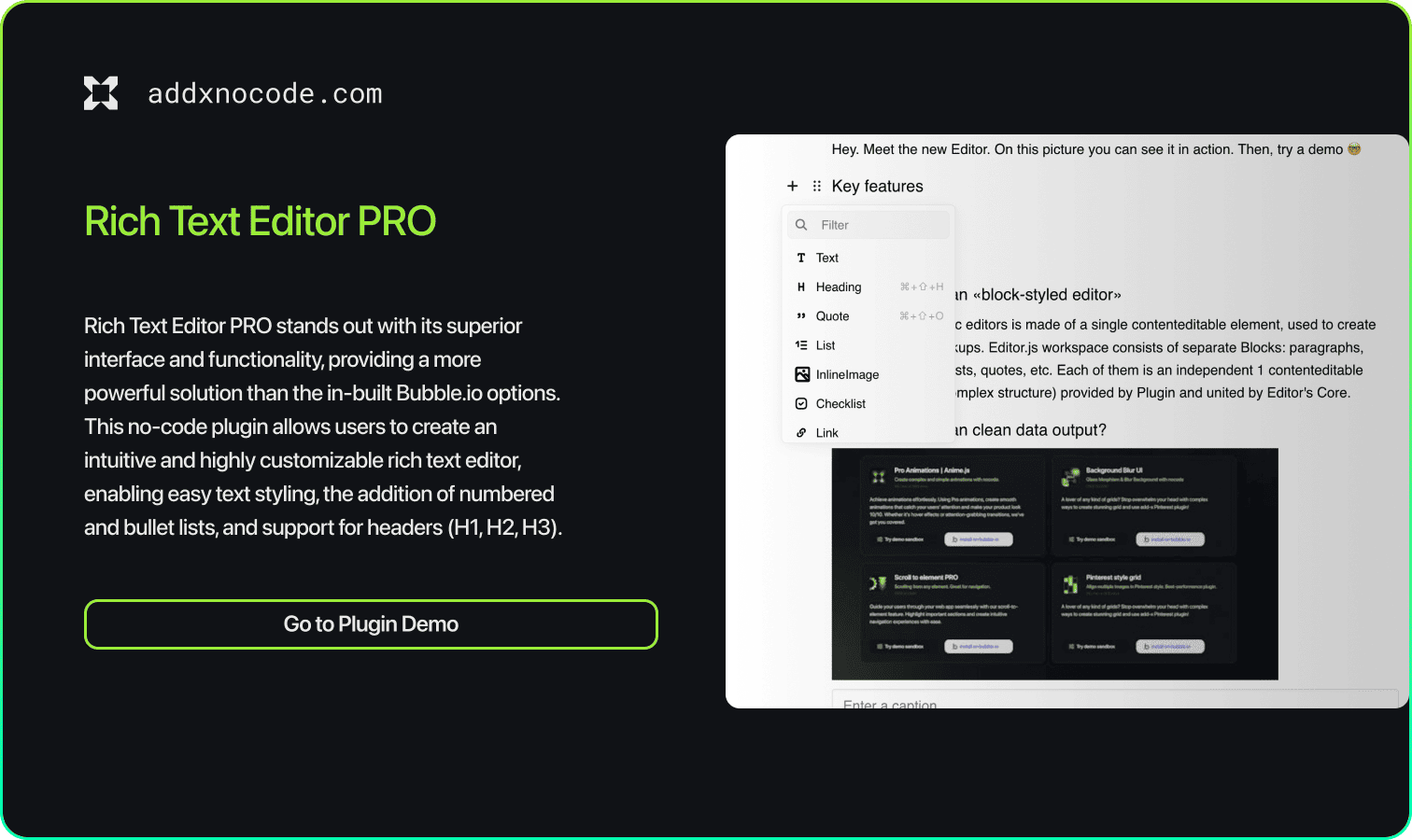
Rich Text Editor PRO stands out with its superior interface and functionality, providing a more powerful solution than the in-built Bubble.io options. This no-code plugin allows users to create an intuitive and highly customizable rich text editor, enabling easy text styling, the addition of numbered and bullet lists, and support for headers (H1, H2, H3). You can also seamlessly integrate images into your text. This makes Rich Text Editor PRO the ideal choice for building blogs, creating engaging and interactive content, and enhancing the user experience on your platform.
The Rich Text Editor plugin is designed to apply different format content. It is great for writing blogs,in-app messages and various articles. Attach pictures, videos, files of various formats, hyperlinks and etc.
Let's learn how to use the plugin to the maximum.
******The plugin includes two elements:******
I. Rich Text Editor - An element for editing text. It has many options and actions for more custom solutions and efficient work.
II. Rich Text Display - An element for displaying written content. It works with json data saved from Rich Text Editor State Data JSON.
Now let's go through each element in more detail:
I. Rich Text Editor:
· Fields:
Read Only - is responsible for whether it will be possible to edit content in the editor.
Autofocus - set the value to yes if you want automatic focus of the element after the page loads.
Placeholder - the placeholder attribute specifies a short hint that describes the expected value of an input field.
Hide Toolbar - is responsible for whether the toolbar will be hidden or not when editing text.
Text direction. The direction of the tet LTR (LEFT TO RIGHT) or RTL (RIGHT TO LEFT)
Container Full Width - is responsible for stretching the content to the full width of the element if the it’s wider than 650 px.
Data to Render (JSON format) - content loaded when loading the element.
· States:
Data JSON - formatted content that will need to be saved and passed to the “Rich Text Display element”
Data HTML - content converted to html format.
⚠️We do not recommend using it, it is better to use Data JSON.
******Events:******
1. onChange - riggered when content changes
******Actions:******
Read Only Toggle - action to disable or enable content editing
Clear Editor - clears all content in the editor
Render a new data - sets new content in the editor, clearing the previous one
Insert a new data - adds a content block to the editor, to the end of the old content, without deleting anything.
II. Rich Text Display
Rich Text Display has only one Field
Data to Render (JSON format) - content in json format, which we receive in the state of the Rich Text Editor element.
For example,firstly we need to write content in the first element, and then save its state (for example, in the database as text). After that, transfer this text to the second element.
You can watch an example in the video instructions.
 Built on Bubble