The Google Natural Language API plugin enables powerful machine learning capabilities to analyze and interpret text. With this plugin, you can extract detailed information about entities such as people, places, and events, understand the sentiment of customer conversations, classify content into categories. Ideal for applications that need text analysis to gain insights into social media sentiment, customer feedback, or other natural language data.
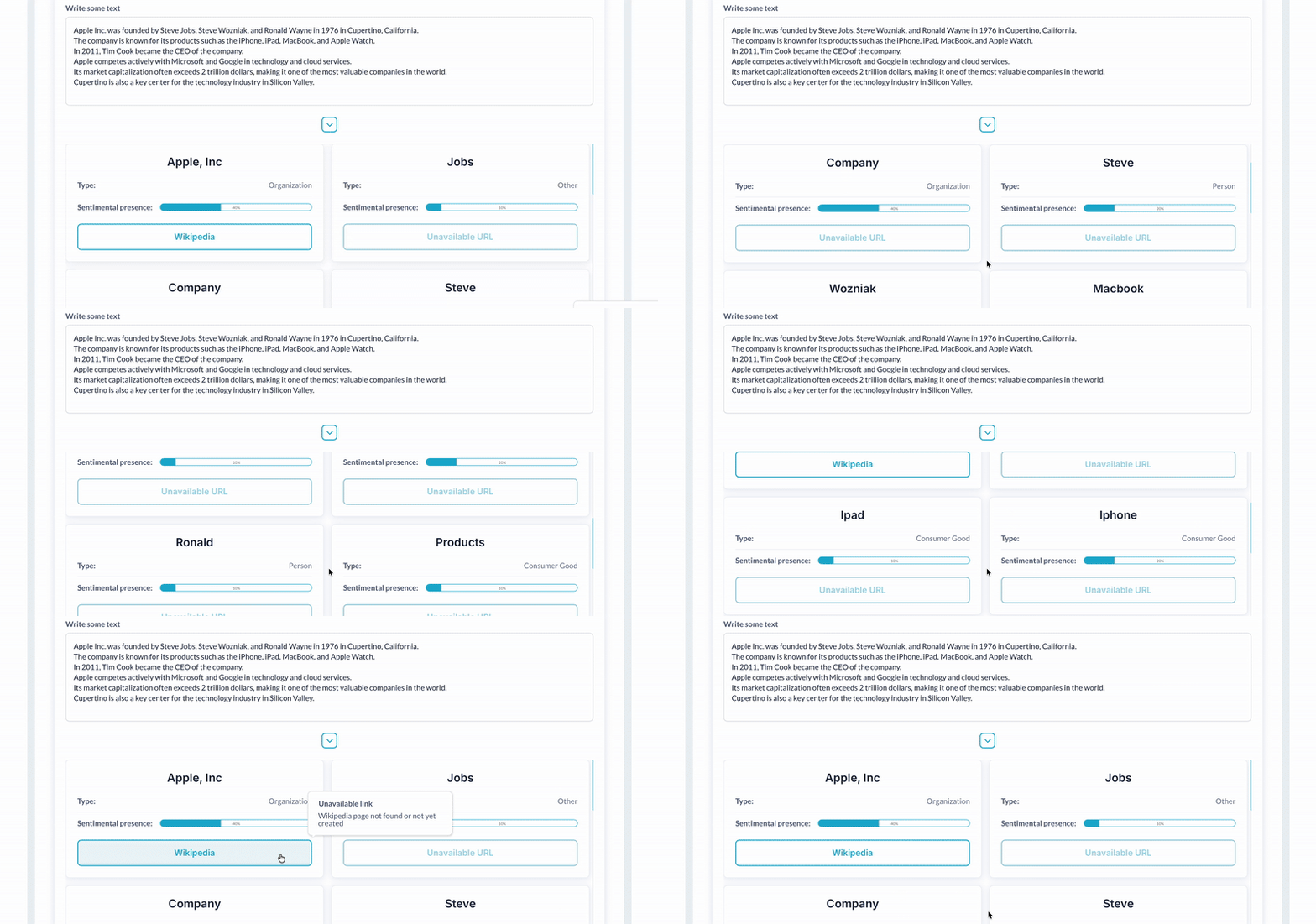


 ⚡ Main Functions:
•
Entity Analysis.Analyze entities to identify and categorize people, places, and objects mentioned in text.
•
Entity Sentiment Evaluation.Evaluate entity sentiment to understand how people feel about specific entities in the text.
•
Sentiment Analysis.Perform sentiment analysis to gauge the overall emotional tone of conversations or documents.
•
Syntax Analysis.Analyze syntax to understand structure, parts of speech, and sentence components.
•
Text Classification.Classify text into predefined categories to organize large volumes of information.
⚡ Key Features:🧩 Comprehensive AnnotationAnnotate text for a comprehensive analysis that combines syntax, entities, and sentiment in a single response.
 Documentation
We’ve created a detailed step-by-step guide for the Google Natural Language API plugin. It includes a comprehensive overview of all features, practical use cases, and answers to frequently asked questions.
Supported API Calls✅ Analyze Entities - Identify and extract entities (such as people, organizations, and locations) from the text.
✅ Analyze Entity Sentiment - Assess the sentiment associated with identified entities in the text.
✅ Analyze Sentiment - Evaluate the overall sentiment (positive, negative, neutral) of the provided text.
✅ Analyze Syntax - Analyze the syntax of the text, including parts of speech and grammatical structure.
✅ Annotate Text - Provide detailed annotations for various linguistic features in the text.
✅ Classify Text - Categorize the text into predefined categories or topics.
FAQ-
What is the Google Natural Language API used for?It’s used to analyze text, understand sentiment, identify entities (like names of people and places), and classify content into categories.
-
Do I need a Google API Key to use this plugin?Yes, you need to obtain an API Key from Google Cloud to access the Natural Language API.
-
Can I analyze the sentiment of specific entities?Yes, the plugin allows you to perform entity sentiment analysis, which evaluates the sentiment associated with individual entities within the text.
-
What languages are supported?The Google Natural Language API supports multiple languages, although some features might be limited based on the language.
-
Is there a limit to the amount of text I can analyze?Text analysis is subject to Google’s usage limits for the Natural Language API, which vary based on your Google Cloud plan.
 Our Similar Plugins
-
Google Perspective-
Full OpenAI ChatGPT 4-
OpenAI ChatGPT 4o Vision Assistant-
Gemini API-
DeepSeek AI Models Support
If you still have questions or unresolved issues, you can
contact us.
Risk-free TrialThe most risk-free way to try out this plugin is to subscribe to it. If you unsubscribe a few days later you will be charged on pro-rata basis, so for example if the plugin monthly price is $5 then you’d pay only 17¢ per day ($5/30 days)!
 Built on Bubble
