Add knob and dial inputs for gauges, dashboards, and control pages. Configure value ranges, modes, rotation, and formatting, and trigger events when values change.



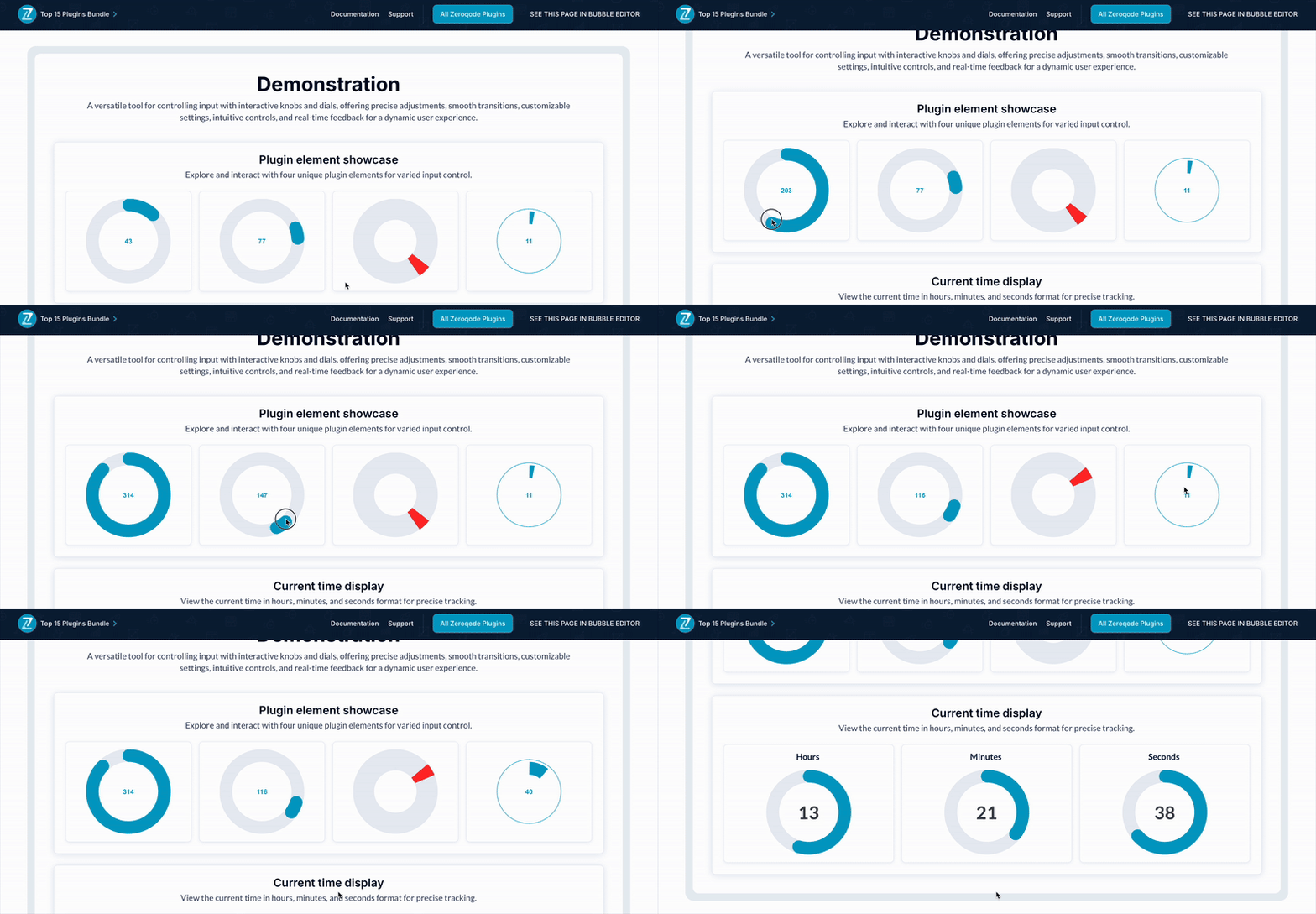 ⚡ Main Functions:
•
Add knob and dial input Use dial elements for numeric input
•
Set value range Define initial, minimum, maximum, and step values
•
Trigger value change events Run actions when the value is changed
⚡ Key Features:🎛 Input modes Choose gauge, dial, iPod wheel, hour, minute, or second mode
🔄 Rotation control Set clockwise or anticlockwise rotation
🎨 Visual styling Configure ring colors, font, thickness, skin, and value display
🔢 Value formatting Add text before or after the displayed value
 Documentation
We’ve created a detailed step-by-step guide for the Knob & Dial Input Plugin. It includes a comprehensive overview of all features, practical use cases, and answers to frequently asked questions.
FAQWhat does this plugin do?It adds a customizable jQuery dial input to your Bubble app for interactive visual feedback.
Is the dial element responsive on mobile devices?Yes, the plugin is touch-friendly and works on both desktop and mobile devices.
Can I customize the appearance of the dial?Yes, you can adjust parameters such as colors, thickness, size, and animation style.
Can I update the dial value dynamically through workflows?Absolutely, the dial supports dynamic value updates using Bubble workflows.
 Our Similar Plugins
-
Top 15 Plugins for Bubble - Bundle Support
If you still have questions or unresolved issues, you can
contact us.
Risk-free TrialThe most risk-free way to try out this plugin is to subscribe to it. If you unsubscribe a few days later you will be charged on pro-rata basis, so for example if the plugin monthly price is $5 then you’d pay only 17¢ per day ($5/30 days)!
 Built on Bubble

