How to Use
1️⃣ Install the "Random Number Generator" plugin into your Bubble app from the plugins marketplace.
2️⃣ Add the "Random Number Generator" action to your desired workflow.
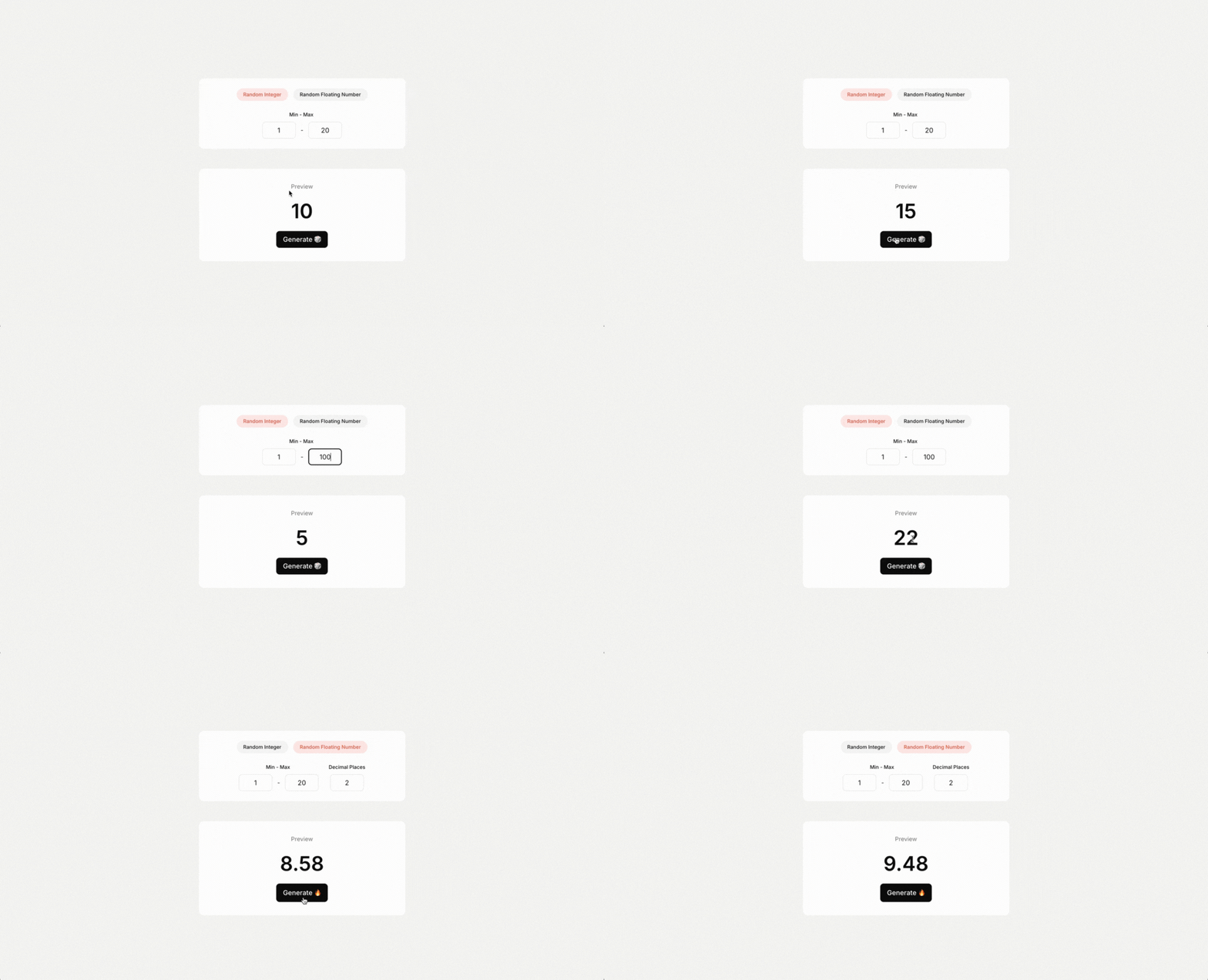
3️⃣ Configure the action's properties by setting the minimum and maximum values, selecting the number type (Integer or Floating Point), and specifying decimal places if needed.
4️⃣ Use the "randomnumber" state on your plugin to retrieve the random number that was generated.
You can see how the plugin is being used here:
https://bubble.io/page?id=tinybuild-random-number&tab=tabs-1&name=index  Built on Bubble