Detect when any element reaches or moves above the top of the viewport, letting you build smooth scroll-based interactions, triggers, and dynamic interface behaviors.



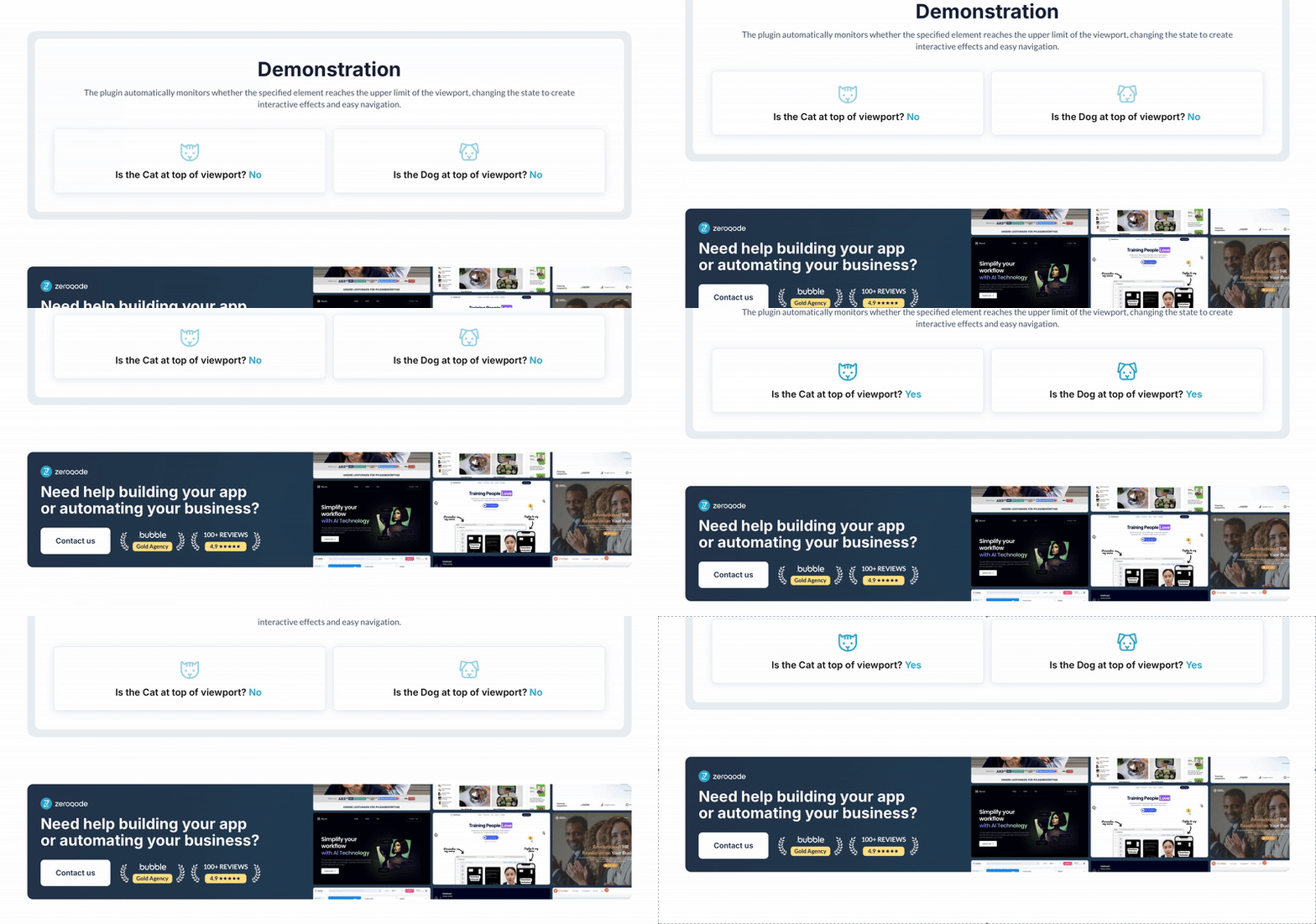 ⚡ Main Functions:
•
Top-of-viewport detection. Detects when an element reaches or passes the viewport top.
•
Visibility-based triggers. Triggers workflows based on element visibility position.
•
Scroll interactions. Enables sticky headers, animations, and other scroll effects.
 Documentation
We’ve created a detailed step-by-step guide for the Top Of Viewport Detector plugin. It includes a comprehensive overview of all features, practical use cases, and answers to frequently asked questions.
FAQWhat does this plugin do?It detects when a specific element reaches the top of the viewport or scrolls above it, allowing you to trigger workflows based on scroll position.
How do I set up the plugin?Enable the ID attribute in Bubble, assign an ID to the target element, add the detector element to your page, and set the target ID in the plugin settings.
What can I use this plugin for?You can use it for scroll-triggered interactions like sticky headers, animations, or conditional actions when elements become visible.
Does the plugin provide any states or actions?Yes, it includes a state that returns "yes" when the element is at or above the top of the viewport.
 Our Similar Plugins
-
User device type detector-
Element Viewport Detection Pro-
Typing Detector & Indicator-
Detect Unsafe & NSFW Content-
Dark Mode Detection Pro-
On Screen Detector-
Exit Intent-
Page Close Detector-
Repeating Group Visibility Detector-
Idle Detector (inactivity detector)-
iFrame Detector #url #embed-
CleanTalk Spam Detector Support
If you still have questions or unresolved issues, you can
contact us.
Risk-free TrialThe most risk-free way to try out this plugin is to subscribe to it. If you unsubscribe a few days later you will be charged on pro-rata basis, so for example if the plugin monthly price is $5 then you’d pay only 17¢ per day ($5/30 days)!
 Built on Bubble
