A blog is a great way to share your story, thoughts and opinions with a greater audience. There’s no limit as to what can be covered in a blog, making them an exciting avenue to explore for any and all folks. Because blogs can be so expansive, it can be overwhelming to design a blog from scratch. Below, we’ve compiled the five best blog website templates available in the Bubble marketplace, so that you can focus on blogging.
Multipurpose Blog Template by TRYNOCODE
Cost: Free
Skill level: Easy
Includes:
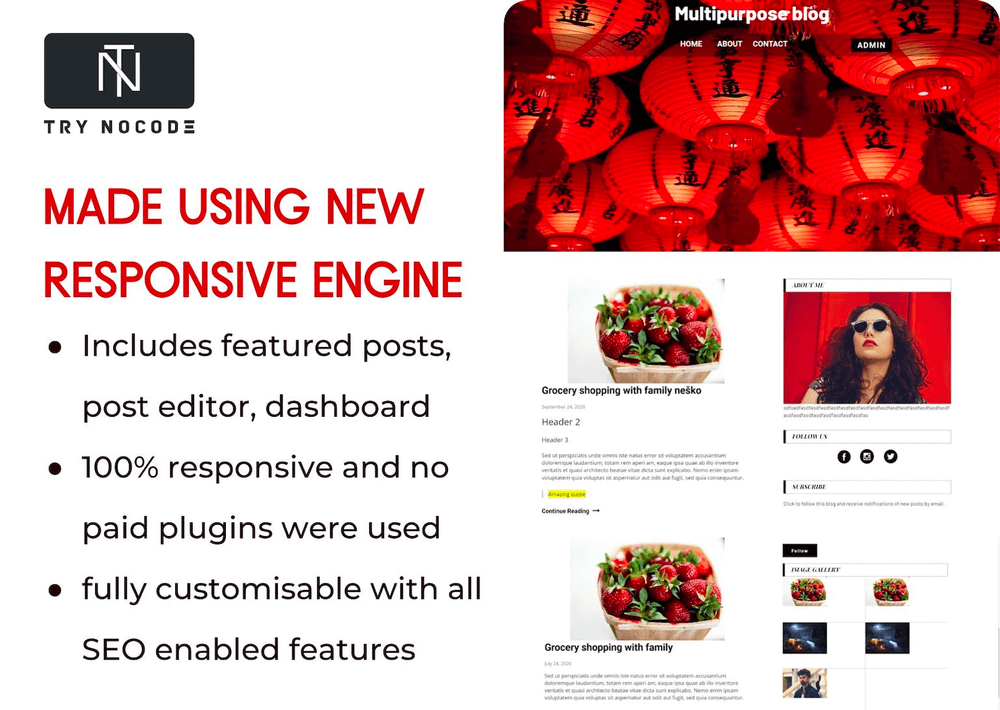
- Includes a “dashboard” page to manage, edit and publish your articles.
- 100% responsive
- No paid plugins were used
- Fully customizable with all SEO enabled features
- Pages included:
- Home page
- Admin Dashboard
- Post Editor
- Post page
This free, open-source template by TRYNOCODE is the most used blog template on Bubble for a reason. Built with Bubble’s new responsive engine in mind, it’s a surefire way to create a simple yet elegant blog that won’t distract from your blog content.
Hear Me - Blog Template by Apassion
Cost: Free
Skill level: Easy
Includes:
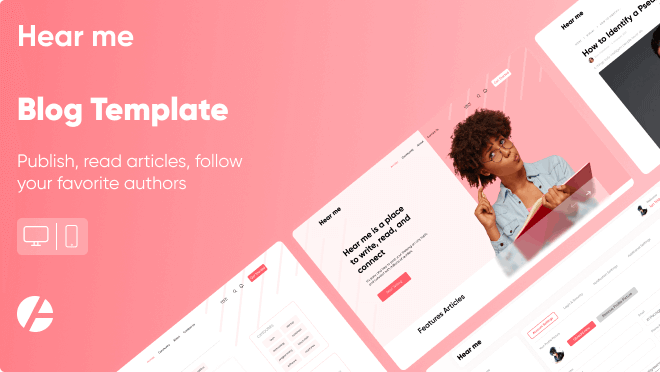
- Web and mobile responsive
- Dashboard for creators with rich text editor and some analytics
- Great and easy to modify design
- Filter by tags/categories
- Search articles by keyword in topic and category
- Follow favorite writers
- Comment articles
- See number of views
- Leave likes
The Hear Me blog template is perfect for those looking to create some community with their blogging. With this template by Apassion, blog visitors can comment and “like” articles, making it an interactive experience for author and readers alike. It’s also optimized for both web and mobile, so your readers can read your blog anywhere.
Members Only Blog by Cotter
Cost: Free
Skill level: Intermediate
Includes:
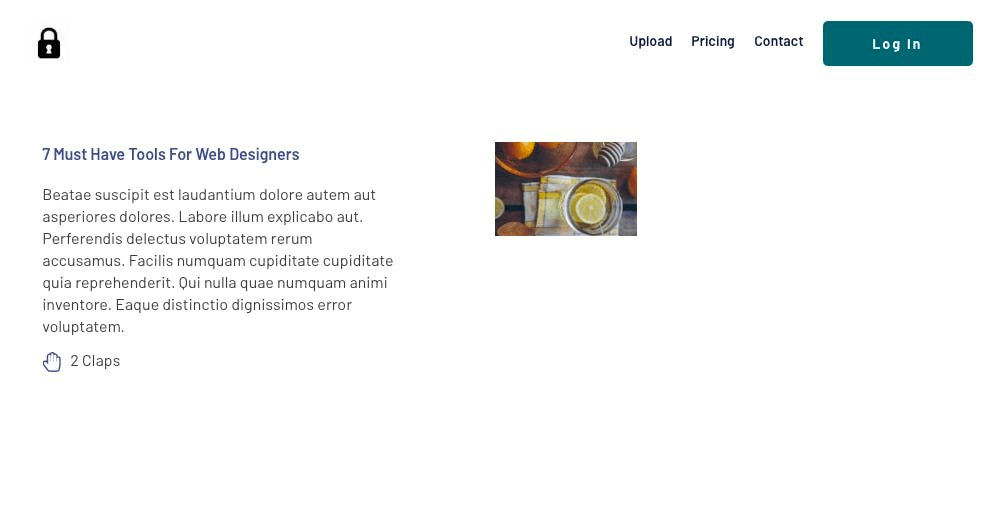
- A password protected blog space
- On demand Slack support
Not all blogs are meant to be public facing – in fact, it can even entice readers to follow along more closely! The Members Only Blog template includes a password protected blog space so only those with the password can read your posts.
Blog with Dark Mode by Thimo
Cost: $29
Skill level: Intermediate
Includes:
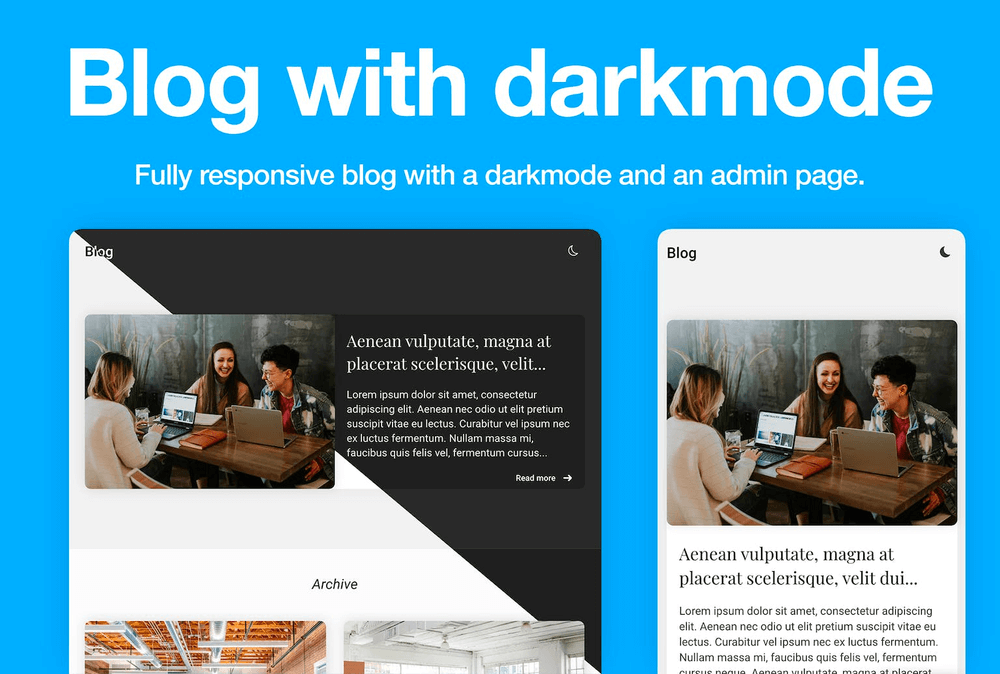
- Admin Page
- Developer support
For a streamlined, beautiful blog that doesn’t need much customization, this template by Bubble pro Thimo is a perfect solution. And the fact that it can toggle between dark and light modes is unique and sure to impress blog readers.
Microblogs like Twitter by Rapid Dev
Cost: $149, plus monthly plug-in payments of $35
Skill Level: Advanced
Includes:
- User Authentication
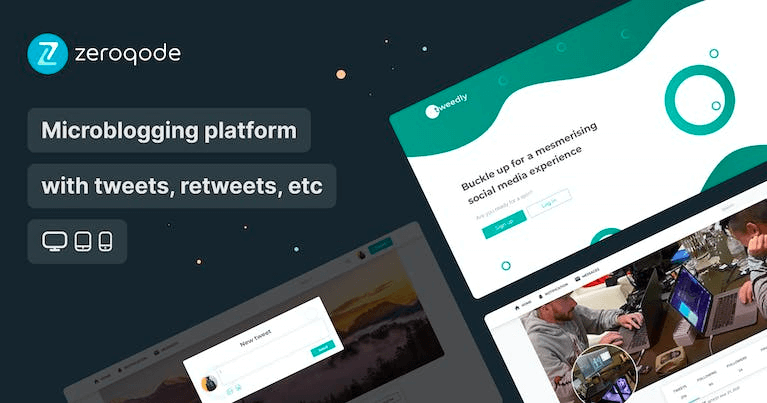
- Tweeting & Retweeting
- Replying to Tweets
- Direct Messages between users
- Following and unfollowing users
- Fully mobile responsive pages
- Admin Dashboard
Not every blog has to be full of long-form posts. Sometimes, short and sweet does the job even better. With this Microblog template by Rapid Dev, keep your audience up to date with bite-sized pieces of information, and let them write their own that you can interact with! Rapid Dev offers over 200 templates featuring pleasant, minimalistic designs.
About Bubble
Bubble is one of the most powerful no-code platforms, offering people the ability to build custom, dynamic, complex web applications, rather than basic, static templated websites offered by Squarespace or Wix. Since 2012, Bubble has offered powerful controls to designing web apps that lets non-technical founders and startups build apps faster and more affordably. Bubble has over 2 million users building apps, tech startups, and tech-enabled businesses.
Build your app on Bubble's Free plan. No need to upgrade until you're ready to launch your app.
Join building