Bubble's native mobile editor comes with a strong set of built-in capabilities, but some apps need more. A fitness tracker might need offline storage and interactive charts, while an inventory tool needs a barcode scanner. Or you might simply want to add a color picker or a rich text editor to make your app feel more polished.
A growing library of native mobile plugins, built and published by Bubble Developers, makes all of that possible without writing custom code. With nearly 700 now available in the marketplace, here are five worth knowing about.
Local Storage for Bubble Mobile
Plugin developer: No-Code Venture
Many Bubble apps store data in the cloud, but sometimes you need data to live on the device itself, available instantly and without an internet connection, which is exactly what the Local Storage for Bubble Mobile plugin handles. Powered by MMKV, a native C++-backed storage engine, it lets you save, load, delete, and clear key-value pairs directly on the user's device with millisecond-level read and write performance.
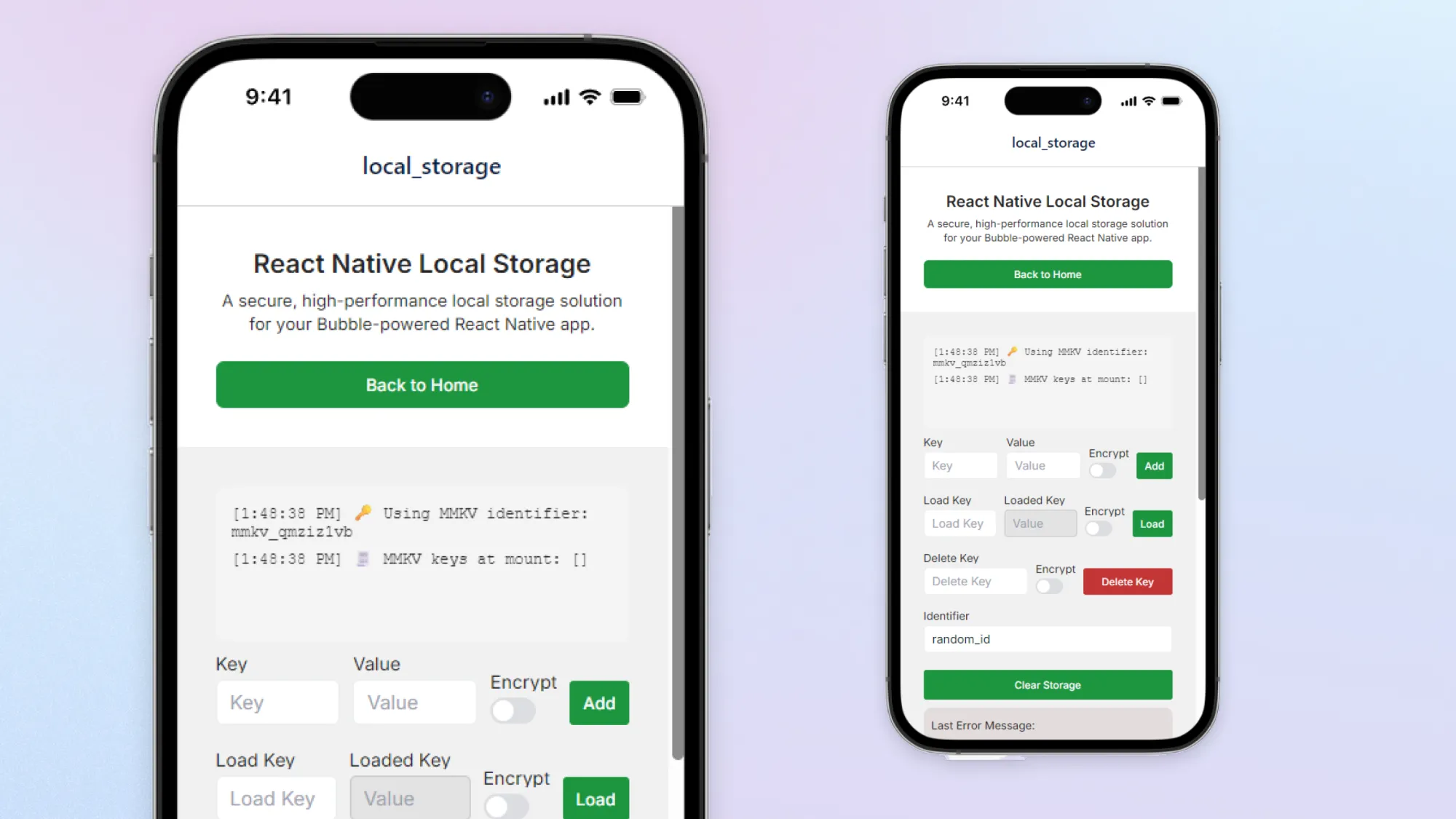
You can use it to persist user preferences like dark mode settings, store onboarding flags so first-time flows don't repeat, or hold temporary session data without hitting your database. For sensitive information like auth tokens or API keys, the plugin supports optional encryption backed by iOS Keychain and Android Keystore so the data stays on secure on the device.
Storage is per device, not per Bubble user. If someone logs out and another person logs in on the same device, previously stored values will still be there unless your workflows clear them. The plugin recommends deleting sensitive values on logout for apps where that matters.
Mobile Charts Pro
Plugin developer: Daria at Zeroqode
Right now, adding charts to a mobile app usually means custom code, which puts it out of reach for most no-code builders. The Mobile Charts Pro plugin skips that entirely, letting you add interactive bar, line, and pie charts directly in Bubble's mobile editor without writing anything.
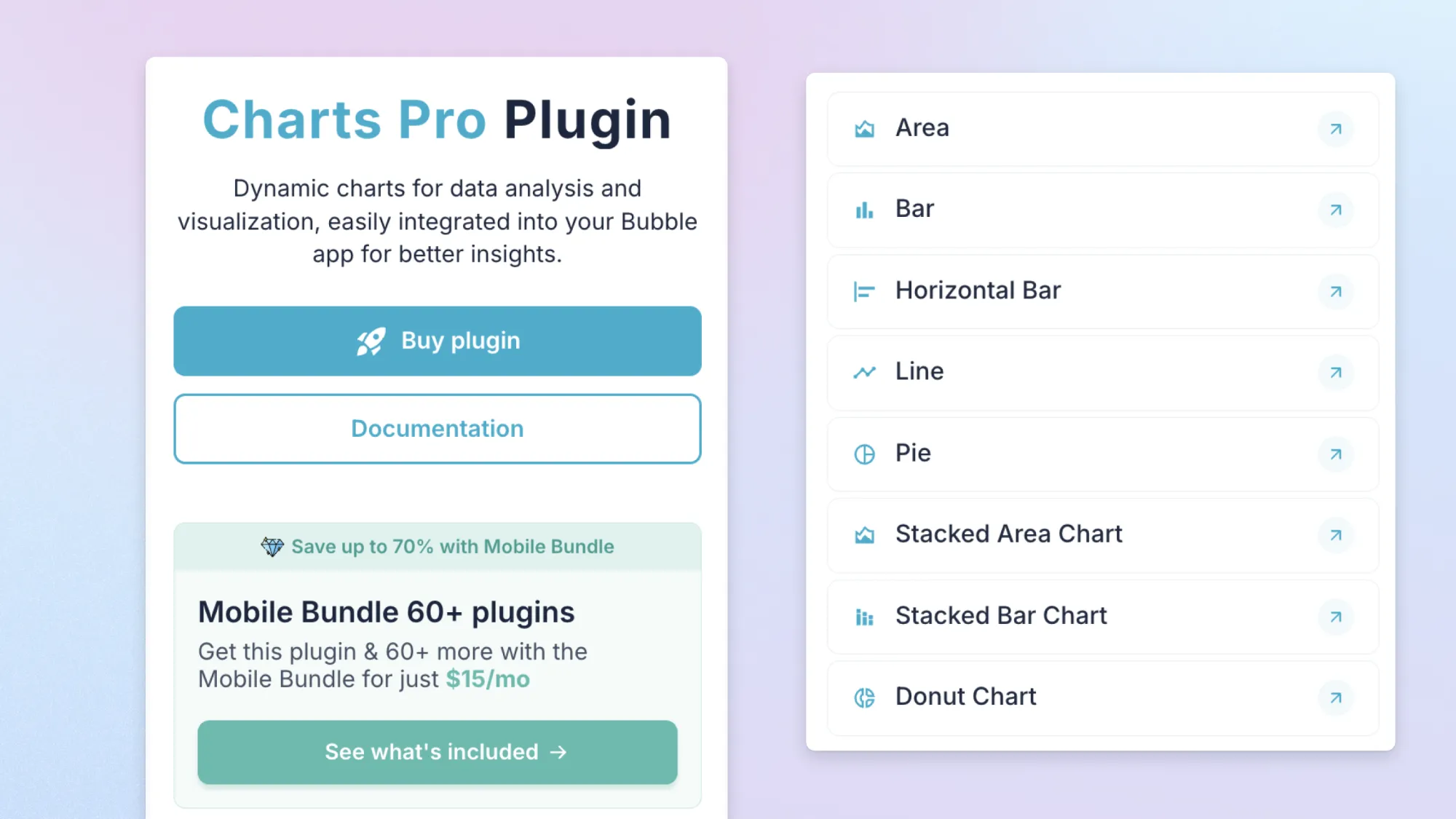
You can connect charts to live data through native Bubble workflows and states, and customize colors, labels, and data points through the property editor. No external keys or charting libraries are needed. The plugin is lightweight and optimized for mobile performance, so charts render smoothly across devices.
It works well for dashboards, analytics tools, progress trackers, and any other context where a table of numbers would be harder to read than a chart.
QR/Barcode Scanner for Bubble Mobile
Plugin developer: Daria at Zeroqode
The QR/Barcode Scanner plugin adds a camera-based scanning element directly to your Bubble mobile app, without needing to build the camera functionality from scratch or connect any external services. It supports both QR codes and a range of barcode formats, and triggers workflows automatically each time a scan completes.
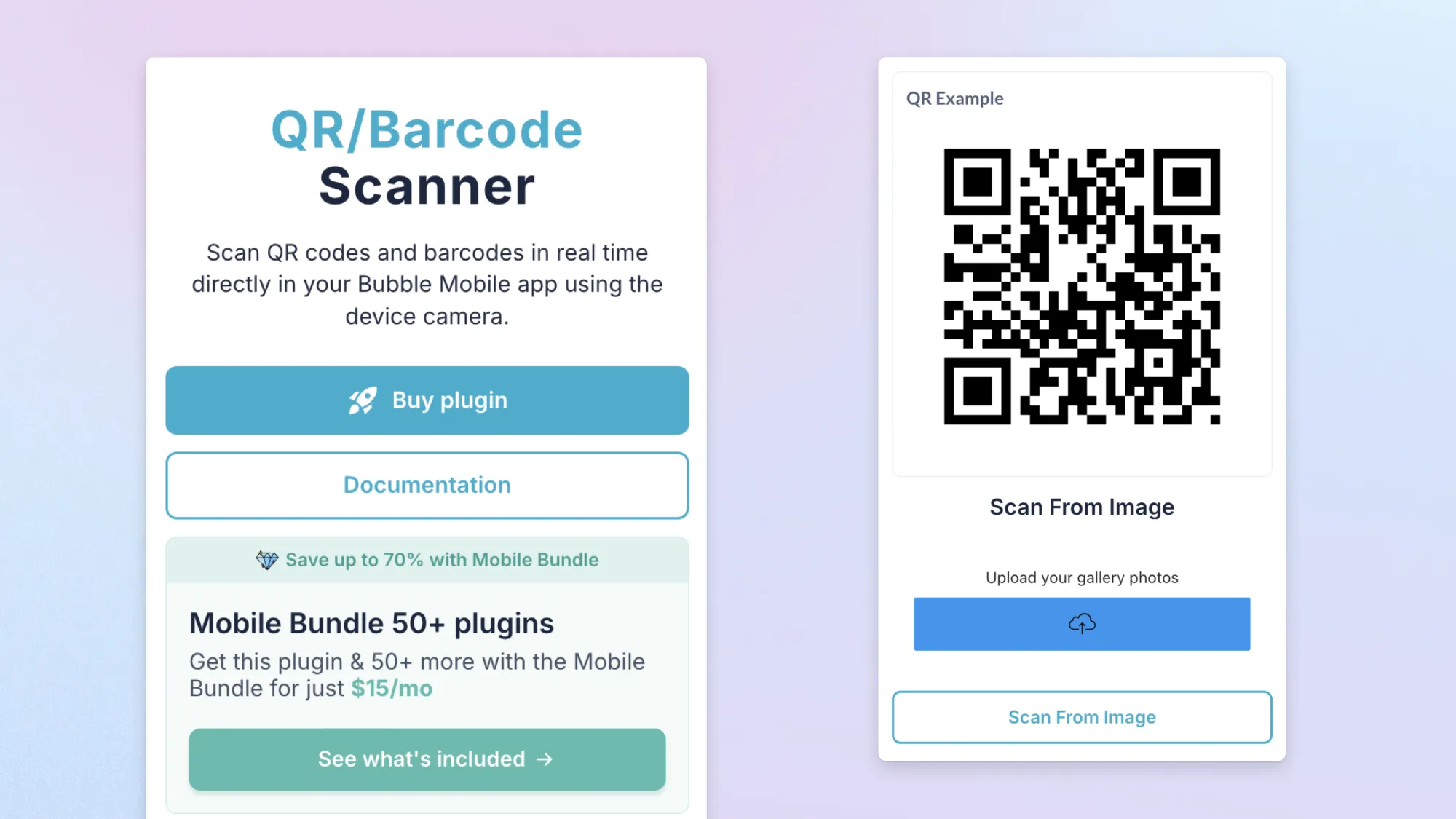
You can configure the scanner's appearance to match your app's design, control which camera direction it uses, and enable continuous scanning mode for use cases where users need to scan multiple codes in a row. The plugin also supports scanning from an uploaded image file rather than the live camera, which adds flexibility for apps where users might be working from a screenshot or document.
It's a good fit for ticketing, inventory lookups, loyalty programs, event check-ins, and any other flow where users need to read a code and immediately trigger an action.
Better Audio Recorder
Plugin developer: Not Quite Unicorns
Voice notes and audio messages are common in messaging apps, journaling tools, and language learning platforms, and the Better Audio Recorder plugin makes that possible without building native recording functionality from scratch. It handles the full recording lifecycle — starting, stopping, and downloading MP3 audio — and can automatically save recordings straight to your Bubble database, returning a file URL you can attach to any data type.
Built-in states like recording status, recording time, and both local and saved file URLs give you everything you need to build a responsive recording UI, while events for upload, save, and time-based auto-stop let you trigger workflows the moment a recording is ready. It's a simple, free solution for any app that needs voice notes, audio messages, or spoken feedback.
Mobile Pack: Native Power Kit
Plugin developer: Cosmic Steve at Airdev
The Mobile Pack: Native Power Kit is a bundle of Airdev's most popular mobile components, covering the functionality most apps need in one purchase rather than several.
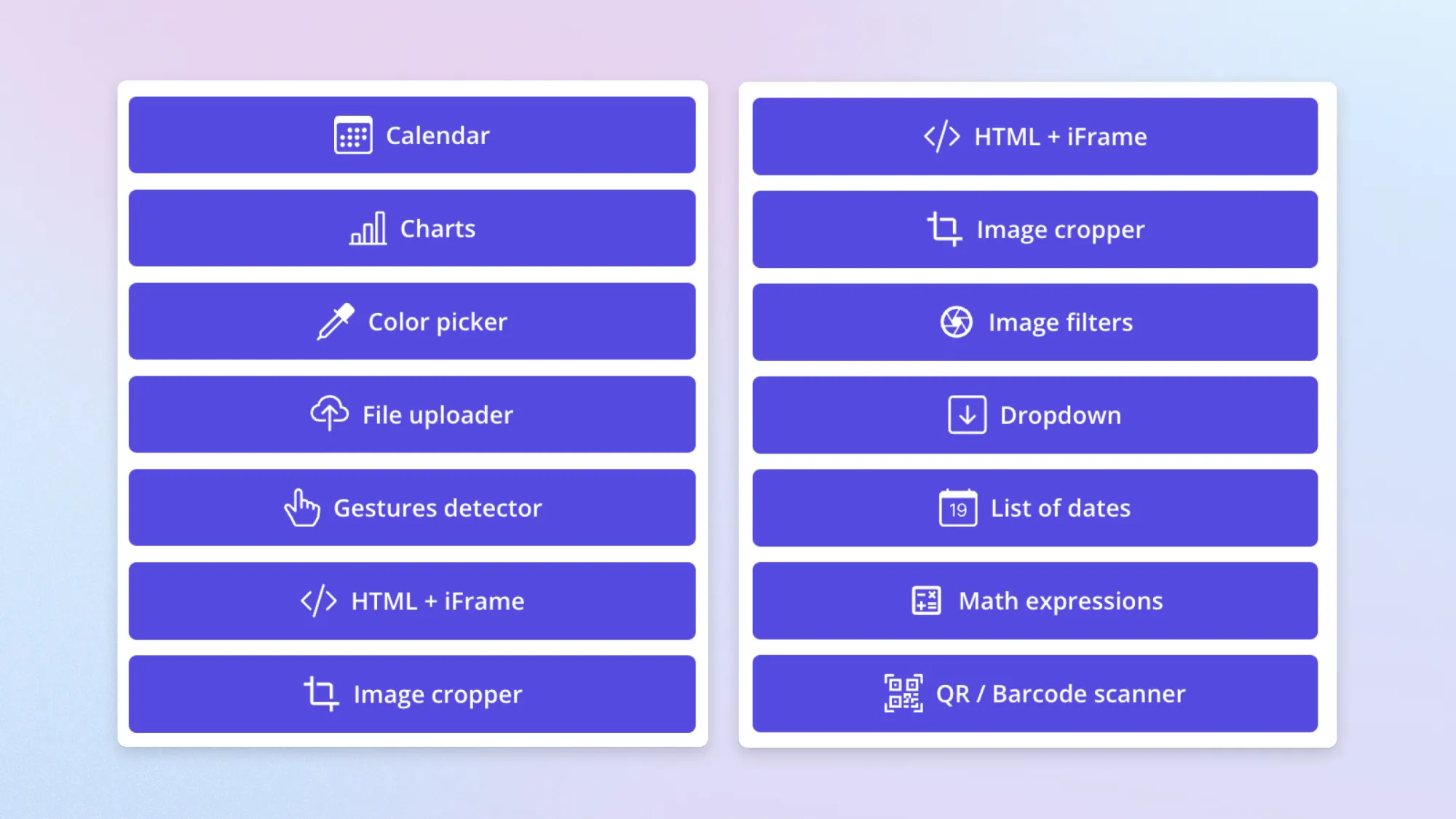
The pack includes a customizable dropdown for single and multiple selections, a file and image uploader, gesture and back detection for swipe and long press interactions, a rich text editor, chart elements, a video player, a QR code scanner, a calendar date picker, and more. New plugins are added to the bundle over time, so the list continues to grow.
It's a useful starting point if you're building a mobile app and want to cover a lot of ground without putting together individual plugins.
Explore the full plugin library
These are just five examples from a library of almost 700 native mobile plugins now available in the marketplace. More are being added as the plugin editor opens up to all developers in public beta, so it’s worth checking them out.
Build your app on Bubble's Free plan. No need to upgrade until you're ready to launch your app.
Join building