

TL;DR: Pick a subscription platform by product type: AI tools and mobile apps need custom builders with native in-app purchases, courses and communities suit creator platforms, and existing sites need paywall layers. Then weigh billing flexibility, access control, and total cost.
Compare the top platforms for building subscription products, from custom AI apps to course memberships, and learn how to choose the right one for your business.
If you’re building a subscription business, the platform you pick shapes much more than your launch. It decides how flexible your billing can be and how much of the product you can change yourself later, whether that’s a new pricing tier, a mobile version, or an AI feature your subscribers ask for. Choose a platform that doesn’t fit, and you could be rebuilding six months in.
The landscape is crowded, and every platform claims to be the easy answer. Subscription products generally fall into three types: interactive AI tools and SaaS apps, knowledge and community memberships like courses and coaching, and existing sites that need a paywall added on top. Each type needs something different from a platform, so the right choice starts with knowing which one you’re building.
This guide compares seven platforms on the criteria that matter most for subscription products and shows which product type each one fits best.
What to look for in an AI platform for subscription products
The best platform for a subscription product is the one built for your producttype, with billing, mobile, and access control that match how you plan to charge and grow. Interactive AI tools and mobile apps need a custom app builder with recurring billing and native in-app purchases, course and community memberships fit creator platforms, and existing sites usually only need a paywall layer. Use these seven criteria to narrow the list before you compare prices.
- Product-type fit: An interactive AI tool (a paid web or mobile app) needs different infrastructure than a knowledge membership gating courses or community access. Adding a subscription layer to an existing WordPress site is different still from building a custom app from scratch.
- Subscription management: Recurring billing covers trials, prorated upgrades and downgrades (adjusting charges mid-cycle when someone changes tiers), coupons, cancellations, and dunning (recovering failed payments after an expired or declined card). Dunning is a bigger deal than it sounds: Involuntary churn accounts for 20–40% of total subscription churn. Some platforms handle this natively, while others rely on Stripe or a third-party billing tool, trading setup work for more customization.
- Mobile and in-app purchases: Apple and Google require digital subscriptions sold through mobile apps to use their native in-app purchase systems, with commissions of up to 30% on in-app purchases. You can’t route around this with Stripe or another external processor for digital goods on mobile. A platform that builds native mobile apps should handle in-app purchases for you, or you’ll have to wire up the connection yourself.
- AI integration: AI that helps you build the platform is different from AI you embed in your product for end-users. Some app builders use AI to generate your app’s UI, database, and logic, then let you connect to providers like OpenAI, Claude, or Gemini so end-users can use AI directly. Course platforms typically use AI to help you write course outlines and email copy, and billing tools often skip AI features to focus on checkout, tax, and licensing.
- Access control and data privacy: These are the rules that decide who can see which data or features based on their subscription tier. On platforms where the data model is visual, you can see exactly what privacy rules govern your app and check that they’re working. On platforms that generate code, those rules live in the code, so checking them means reading the code yourself or relying on the AI’s description of what it built.
- Scale and infrastructure: This covers hosting, auto-scaling (handling traffic spikes without you lifting a finger), version control, and team collaboration. Some platforms bundle all of this and handle it for you. Others expect you to configure hosting separately, manage server capacity, and set up your own deployment pipeline.
- Total cost of ownership: Your real cost is more than the platform’s subscription fee. Factor in any AI usage while you build (some platforms meter it through credits), LLM fees if your product uses AI to generate responses for end-users, app store fees (Apple and Google each take a cut of in-app subscription revenue), payment processing fees (typically around 3% per transaction for Stripe), and any third-party integrations or plugins your product needs.
How these platforms compare
| Platform | Best product type | AI approach | Subscription billing and mobile in-app purchases (IAP) | Starting price |
|---|---|---|---|---|
| Bubble | AI SaaS, interactive tools, mobile apps | Building with the Bubble AI Agent, plus AI features for end-users | Stripe on web and native in-app purchases (beta) on mobile | Free plan; Starter Web & Mobile from $59/mo billed annually |
| Kajabi | Courses, coaching, memberships | Content creation AI | Native billing; no mobile IAP | Basic from $143/mo billed annually |
| Teachable | Courses, coaching | Content creation AI | Native billing; no mobile IAP | Starter from $29/mo billed annually plus 7.5% transaction fee |
| Podia | Courses, community, downloads | Content creation AI | Native billing; no mobile IAP | Mover from $42/mo billed annually |
| Circle | Community memberships | Community AI tools | Native billing (Stripe); no mobile IAP | About $89/mo plus transaction fee |
| Memberful | Subscription layer for existing sites | None | Stripe-based billing; no mobile IAP | $49/mo plus 4.9% transaction fee |
| Lemon Squeezy | SaaS billing and licensing | None | Billing and licensing only; no mobile IAP | 5% plus 50¢ per transaction |
Note: Verify current pricing at each platform’s pricing page before making a decision. App store fees (Apple and Google each take a percentage of in-app subscription revenue) are separate from platform pricing and apply to any mobile app with in-app purchases.
The 7 best AI platforms for subscription products
The platforms below are ordered by fit for the most common reader need: building an interactive AI product or SaaS where you control the features and billing. Each platform follows the same structure so you can compare them directly.
1. Bubble: Best for interactive AI tools and mobile subscriptions
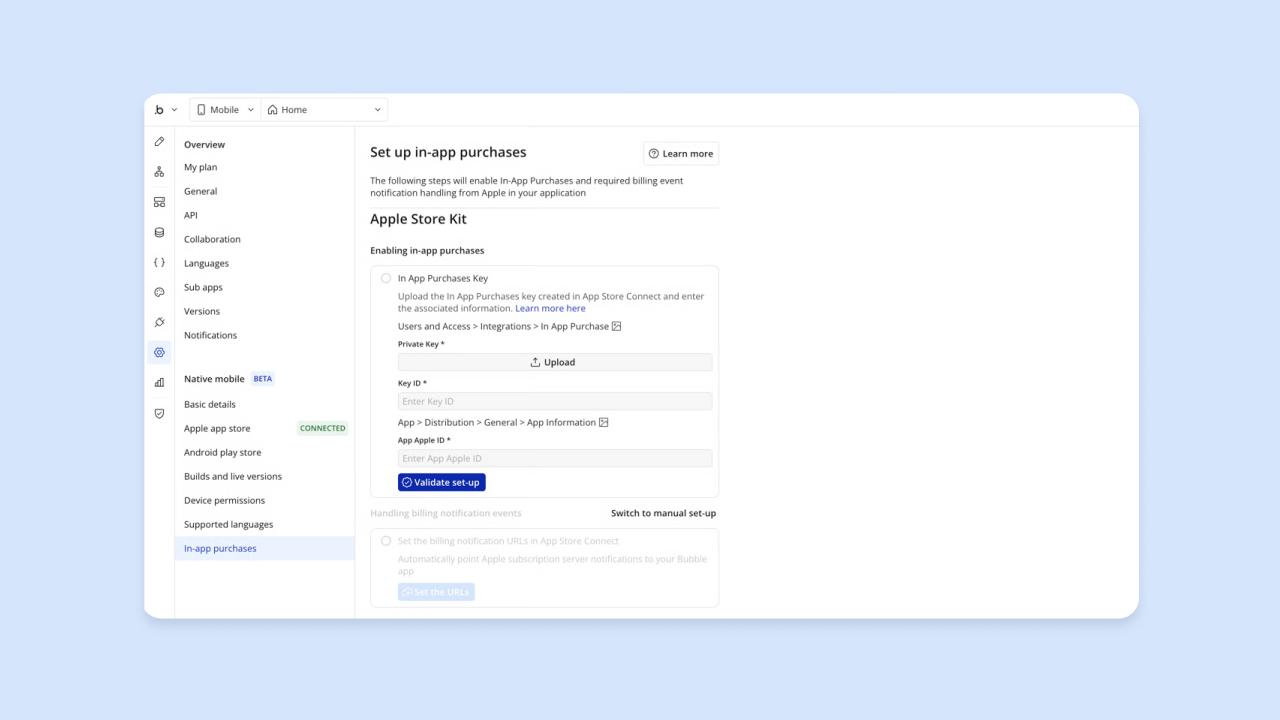
Bubble is a fully visual app builder for web and native mobile apps. Describe your subscription app to the Bubble AI Agent, and it starts with a planning session, asking clarifying questions and drafting a blueprint of features before it generates the UI, database, and workflows.
Everything it builds stays visual, including the logic, data, and privacy rules. Your billing and access logic reads as workflows, plain-language steps showing what happens when someone subscribes, upgrades, or cancels, instead of code hidden behind the interface.
From there, you keep building by chatting with the Agent or editing directly in the visual editor. Ask the Agent to add a feature or fix an issue, or make the change yourself when you want precision. If you’re new to Bubble AI, the Agent explains what it built in plain language, and you learn how your app works as you go.
For billing, Bubble connects to Stripe on the web for plans, trials, coupons, and cancellations. With Bubble for native mobile apps, in-app purchases on iOS and Android run natively through Apple’s and Google’s billing systems.
Subscriber status and entitlements (what someone’s allowed to access based on their plan) are tracked automatically in your database. In-app purchases currently cover recurring plans only, and people need to be logged in to buy.
To add AI features for your end-users, like a chatbot or content generator, connect to models such as OpenAI, Claude, or Gemini through Bubble’s integration and API tools. The Agent can set up the API call for you.
Hosting, deployment to web and native mobile, app store publishing from the editor, and over-the-air (OTA) updates for supported minor changes are built in. When the Agent sets up where your app stores data, it creates privacy rules too, and you decide who sees what, down to each field. The security dashboard on paid plans checks for risks before launch, and Bubble is SOC 2 Type II compliant.
Best for:
- Founders building an AI SaaS or interactive tool with recurring billing who want control over features and user experience. You can see and change every tier, entitlement, and billing workflow yourself instead of describing the change and hoping it lands.
- Builders who want native iOS and Android apps with in-app subscriptions from one platform without managing separate codebases. Web and mobile share one backend and database, so a change to your billing logic applies everywhere.
- Teams who need full visibility into their data model and privacy rules without reading generated code. Privacy rules are visual, which means you can check who sees each field before your first subscriber signs up.
- Founders, agencies, and teams who want to build with AI without giving up control. Chat with the Agent to get a first version, then edit visually when you want to make a precise change yourself.
Limitations: Bubble has a learning curve, though the Agent and the visual editor help you learn as you build. Review what the Agent builds before you launch, since AI output can contain errors. It’s not the right fit if you just want to sell courses or coaching without a custom app.
Pricing: Getting started is free, and the Free plan has no time limit for building and testing. Paid annual Web & Mobile plans are Starter at $59/month, Growth at $209/month, Team at $549/month, and custom Enterprise pricing.
Starter Web & Mobile includes mobile app allowances like build submissions and unlimited OTA updates, and higher tiers raise those limits. Every plan includes a monthly allowance of AI credits for building and editing with the Agent, and visual editing doesn’t use AI credits. App store fees are separate from Bubble’s platform fee.
Compare to: Kajabi (for course-based subscriptions without custom app building), Memberful (for adding a paywall to an existing WordPress site).
2. Kajabi: Best for all-in-one creator memberships
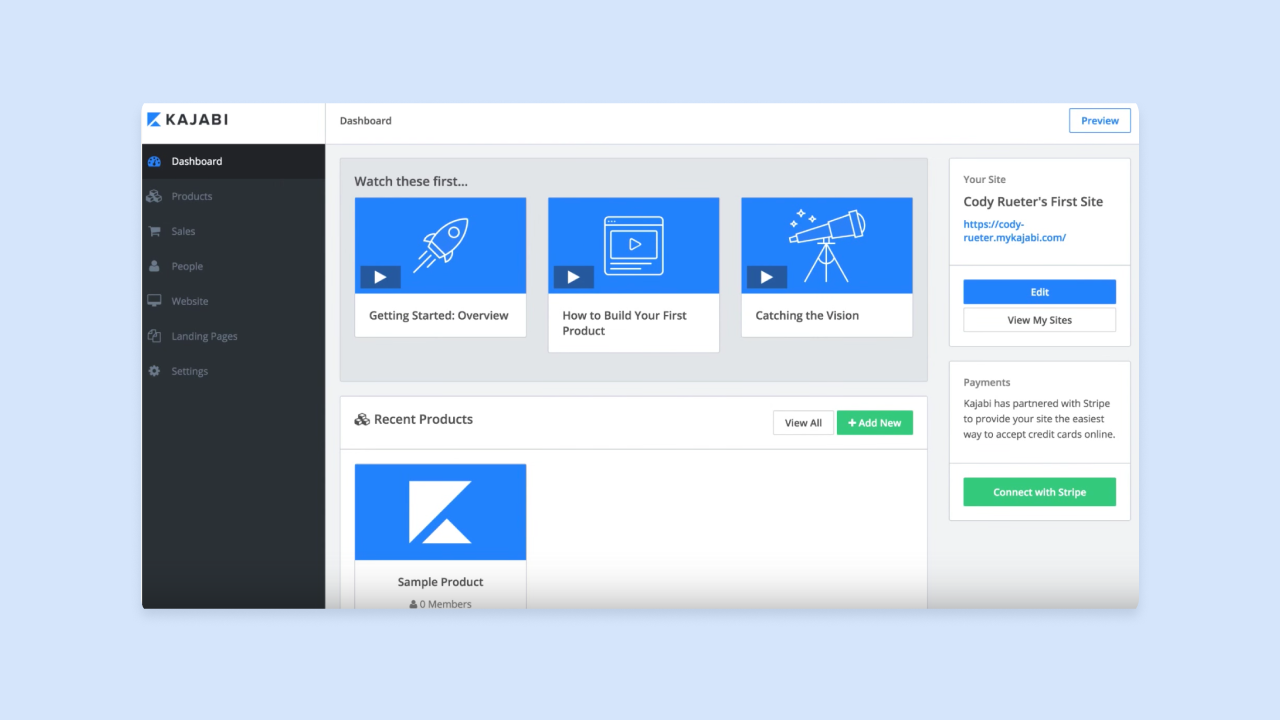
Kajabi is an all-in-one platform for knowledge businesses. It bundles course hosting, community spaces, email marketing, landing pages, and subscription billing under one subscription, replacing separate tools for email campaigns, checkout pages, and content delivery. That cuts setup work for educators and coaches who want to focus on content instead of stitching together multiple services.
Kajabi’s AI tools focus on content creation: generating course outlines, writing email sequences, and drafting landing page copy. With many course creators now using AI tools in their business, these features help creators produce educational content faster, but they don’t support building interactive AI products where end-users interact with AI directly.
For billing, Kajabi handles recurring payments natively, using Stripe on the backend. The platform supports free trials, tiered membership plans (basic, premium, VIP), annual and monthly billing cycles, coupon codes, and cancellation management. Kajabi also offers a branded mobile app for member content delivery.
Best for:
- Course creators and coaches selling membership access to educational content like video lessons, downloadable resources, and live coaching sessions. Kajabi hosts the content and handles checkout in the same place.
- Creators who want email marketing, checkout flows, and course hosting without managing multiple tools. One subscription covers email sequences, landing pages, and content delivery, which cuts down on integration setup.
- Builders who prioritize speed to market over deep product customization and are comfortable working within a predefined structure. Kajabi’s templates get a membership site running quickly, as long as its design system fits your brand.
Limitations: Kajabi is one of the higher-priced creator platforms, and customization is limited to its templates and design system. It doesn’t support interactive AI tools, native mobile apps with in-app purchases through Apple and Google billing, or custom database structures. If your product is software instead of educational content, Kajabi is the wrong fit.
Pricing: Kajabi removed its entry-level Kickstarter plan in a January 2026 pricing restructure, so the current lineup starts higher than it used to. Basic is $143/month billed annually ($179 billed monthly), Growth is $199/month annually ($249 monthly), and Pro is $399/month annually ($499 monthly).
Compare to: Teachable (lower cost, course-focused with built-in email marketing), Podia (similar all-in-one approach at a lower price point).
3. Teachable: Best for course subscriptions
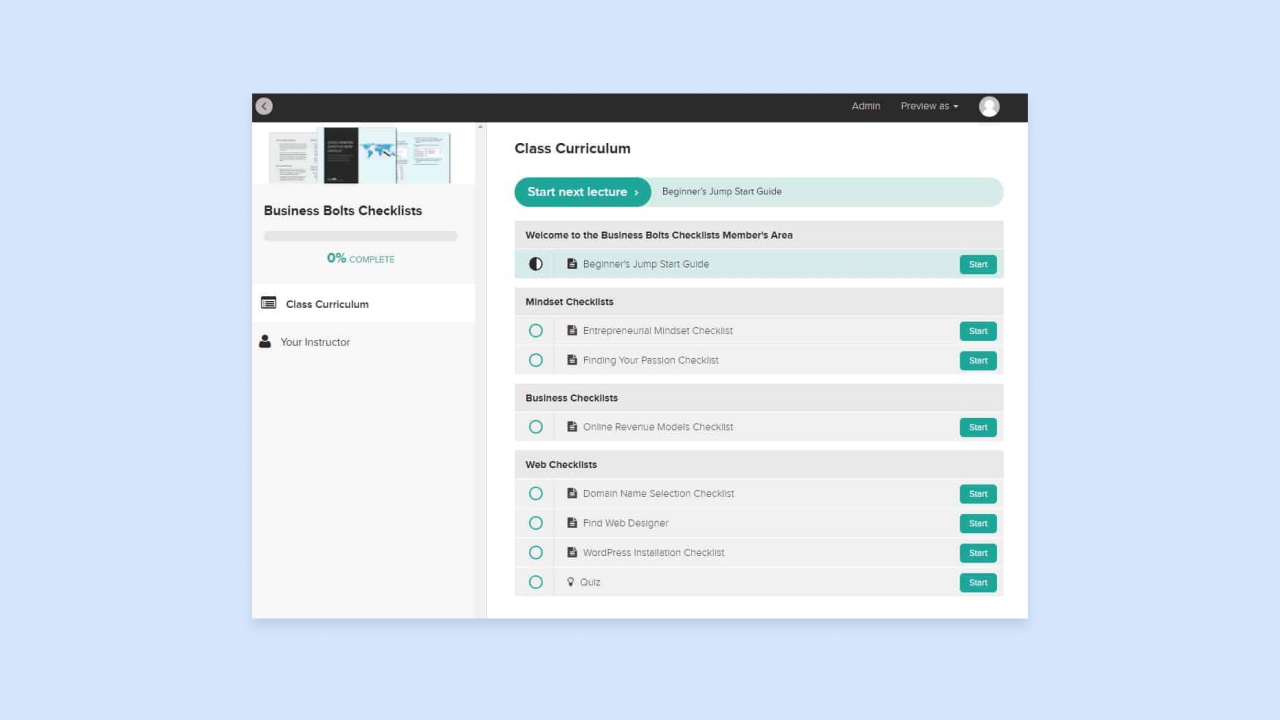
Teachable is a course platform built for delivering educational content. It lets creators sell subscription access to video courses, coaching sessions, and downloads without any technical setup, and it handles student management, content delivery, and checkout in one place. Teachable’s AI tools help with content creation, like course outlines, lesson scripts, and discussion prompts, but they don’t support interactive AI features inside your app.
Teachable supports memberships and native payments through Stripe and PayPal, plus built-in email marketing, abandoned cart emails, coupons, upsells, order bumps, and an affiliate program on higher tiers. You also get student analytics for completion rates, engagement, and drop-off points, along with iOS and Android student apps for content delivery.
Best for:
- Educators and coaches who want a focused course platform centered on video lessons and student progress tracking. Student analytics show completion rates, engagement, and drop-off points for each course.
- Creators who don’t need community features bundled into the same platform. If you already run a community elsewhere, or don’t plan to, Teachable keeps the focus on course delivery.
- Builders who want lower platform costs than Kajabi for a similar course delivery experience. Teachable’s Starter plan begins at $29/month billed annually, compared with $143/month for Kajabi’s Basic plan.
Limitations: Teachable lacks built-in community features. If you want discussion forums or member interaction spaces, you need to connect a third-party tool like Circle or Discord. Advanced customization is limited compared to building a custom platform. Teachable isn’t suitable for interactive AI tools, custom apps, or native mobile apps with in-app purchases through Apple and Google billing.
Pricing: Teachable’s current educator plans are Starter at $39/month monthly or $29/month annually (with a 7.5% transaction fee), Builder at $89/month monthly or $69/month annually (0% transaction fee), Growth at $189/month monthly or $139/month annually (0% transaction fee), and Custom by contacting sales.
Compare to: Kajabi (more features including community spaces, higher cost), Podia (similar price range with broader feature set including downloads and webinars).
4. Podia: Best for budget all-in-one creator subscriptions
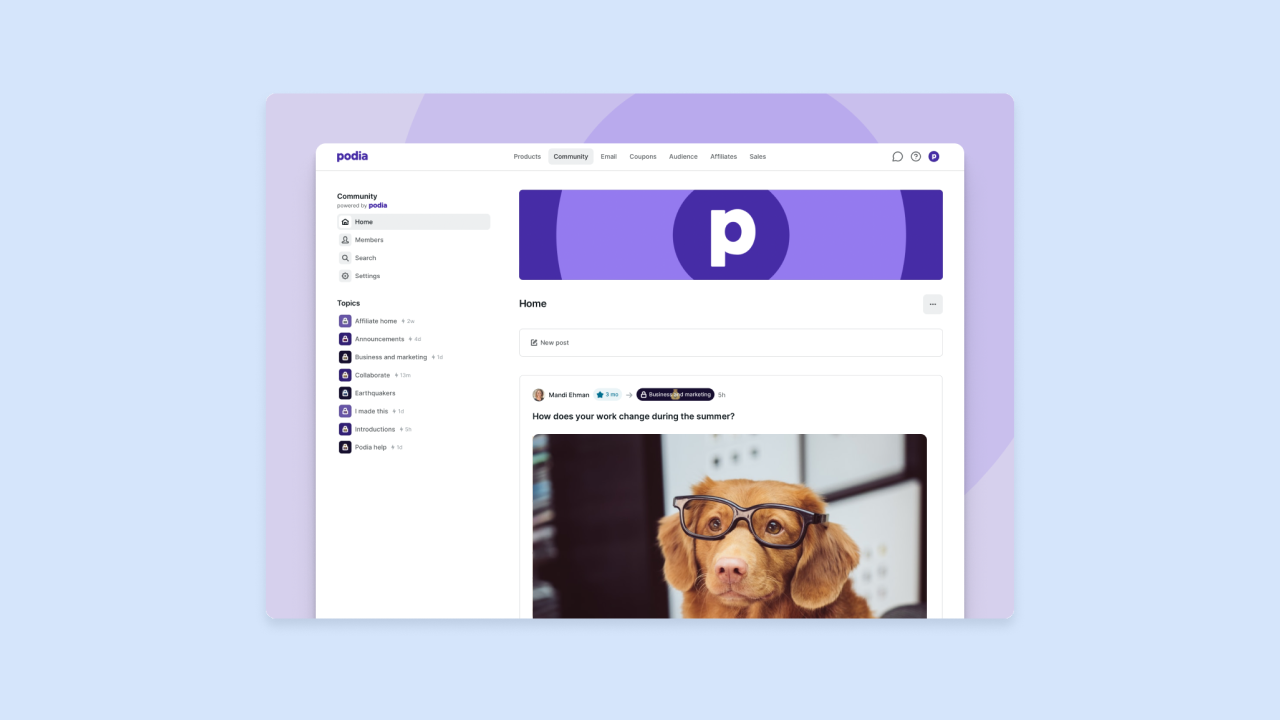
Podia is an all-in-one creator platform for online courses, digital downloads, community spaces, coaching, events, and email marketing, plus website and checkout features, at a lower price point than Kajabi. The interface is simpler than Kajabi’s, which makes it more approachable for first-time creators setting up their first membership or course.
Podia supports membership subscriptions with recurring billing and one-time purchases for individual courses or digital downloads. It uses Stripe, plus PayPal on higher tiers, for payment processing.
Best for:
- Creators who want Kajabi-style features, like courses, community, and email marketing, at a lower monthly cost. Podia’s Mover plan starts at $42/month billed annually.
- Builders launching their first digital product or membership community who want a simple setup process. Podia’s pared-down interface keeps first-time creators from getting overwhelmed by options.
- Solopreneurs who want one platform for content, community, and email without managing integrations. Courses, downloads, coaching, events, and checkout all sit in one account.
Limitations: Podia’s course and community features are less advanced than Kajabi’s. The course builder is more basic, analytics are simpler, and marketing automation is less sophisticated. Podia does not support custom app development, interactive AI tools, or native mobile apps with in-app purchases through Apple and Google billing.
Pricing: Podia’s annual-billed plans start at $42/month. Limits and transaction fees vary by tier:
| Plan | Price (billed annually) | Transaction fee | Products | Videos | Spaces | Email subscribers |
|---|---|---|---|---|---|---|
| Mover | $42/month ($504/year) | 5% | 50 | 500 | 25 | Up to 100 |
| Shaker | $84/month ($1,008/year) | 0% | 150 | 1,000 | 100 | Up to 500 |
| Earthquaker | $150/month ($1,800/year) | 0% | Unlimited | Unlimited | Unlimited | Up to 1,000 |
Compare to: Kajabi (broader features but more expensive), Teachable (course-focused at a comparable entry tier).
5. Circle: Best for community memberships
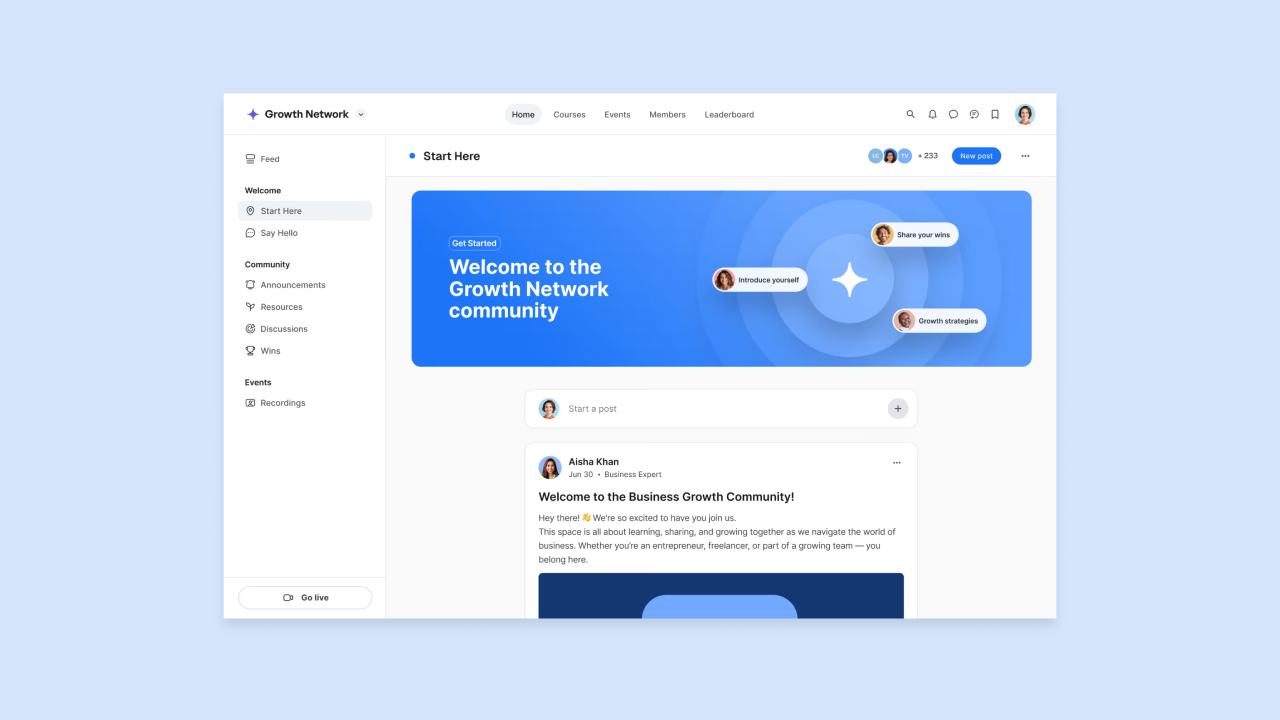
Circle is a community platform built around spaces (topic-specific discussion areas), events, live sessions, courses, and direct messaging, all gated behind a subscription. People pay for ongoing access to a group and its conversations. Circle’s AI features include a Content co-pilot and automated transcriptions, with AI Agents and workflows on Circle Plus, but it isn’t built for interactive AI products where end-users interact with AI directly.
Circle handles paid memberships with recurring billing through Stripe. Transaction fees vary by plan (2% on Professional, 1% on Business, 0.5% on Plus, on top of Stripe’s own fees). You also get events, livestreams, live rooms, reporting, and analytics, plus activity scores on the Business tier.
Best for:
- Builders whose core product is a paid community rather than courses, like cohort programs, mastermind groups, or professional networks where ongoing discussion is the main value. Members keep paying because the conversations keep going.
- Creators who want discussion spaces, live events, and courses in one community-first interface. Spaces, livestreams, live rooms, and direct messaging all sit behind the same subscription.
- Teams migrating from Slack or Discord who want to monetize their community through subscriptions. Circle adds paid memberships through Stripe while keeping a familiar community format.
Limitations: Circle isn’t suitable for course-first businesses. If your primary product is video lessons and structured curriculum, Kajabi or Teachable fit better. Circle doesn’t support interactive AI tools, custom app development, or native mobile apps with in-app purchases through Apple and Google billing systems.
Pricing: Plans start around $89/month.
Compare to: Kajabi (stronger on courses, weaker on community interaction), Podia (more general-purpose, less community-focused).
6. Memberful: Best for adding a subscription layer to an existing site
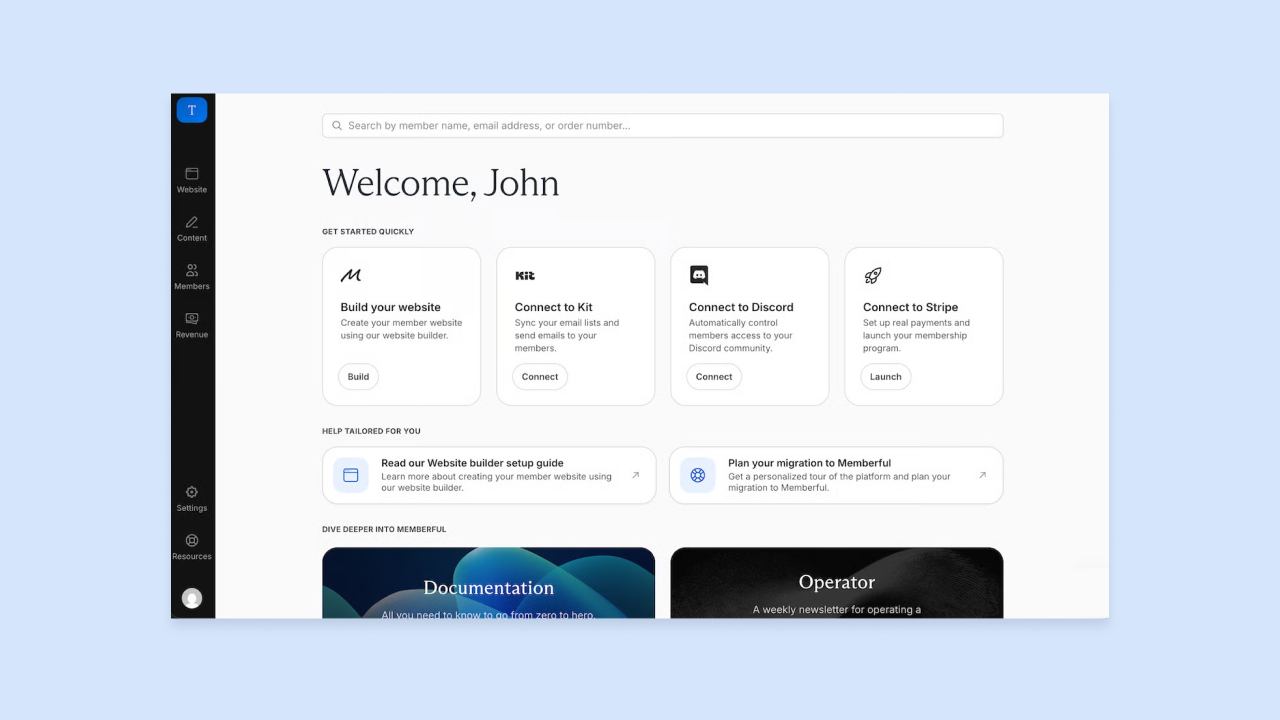
Memberful is a membership and subscription tool that adds paywalled access to an existing website, most often WordPress, without making you rebuild on a new platform. It sits on top of your existing content and handles billing, member authentication, and access control. Memberful connects to Stripe for billing and to tools like Mailchimp, ConvertKit, and Discord for member perks or gated community access.
Memberful covers recurring subscriptions, free trials, tiered plans, and gift subscriptions. You get member login flows, account management pages, and webhooks for connecting to other services. It can also handle newsletters (with plan-specific content and scheduled sends), podcast feeds, and digital downloads.
Best for:
- Bloggers, podcasters, newsletter writers, download sellers, and community builders who want a membership layer. It suits WordPress users best, and it also serves creators who rely on Memberful’s newsletter, podcast, download, and community integrations.
- Builders who want to keep their existing content setup and only add subscription billing on top. Memberful handles login, account pages, and access control while your site stays where it is.
- Creators who want Stripe-powered billing with flexible integration options without switching to a new content management system. Webhooks and connections to Mailchimp, ConvertKit, and Discord let you tie member perks to specific plans.
Limitations: Memberful is primarily a membership and subscription layer rather than a full website builder. It does not host your content, build your site, or provide built-in email marketing, so you’ll typically pair it with WordPress, a podcast feed, or a newsletter setup. It also doesn’t support interactive AI tools, custom app development, or native mobile apps with in-app purchases through Apple and Google billing.
Pricing: Memberful’s Standard plan is $49/month plus a 4.9% transaction fee. Enterprise uses custom pricing. Memberful can be tried for free until you go live and start accepting payments.
Compare to: Bubble (for building a custom subscription app from scratch with full control), Kajabi (for an all-in-one rebuild that handles content and billing together).
7. Lemon Squeezy: Best for SaaS billing and licensing
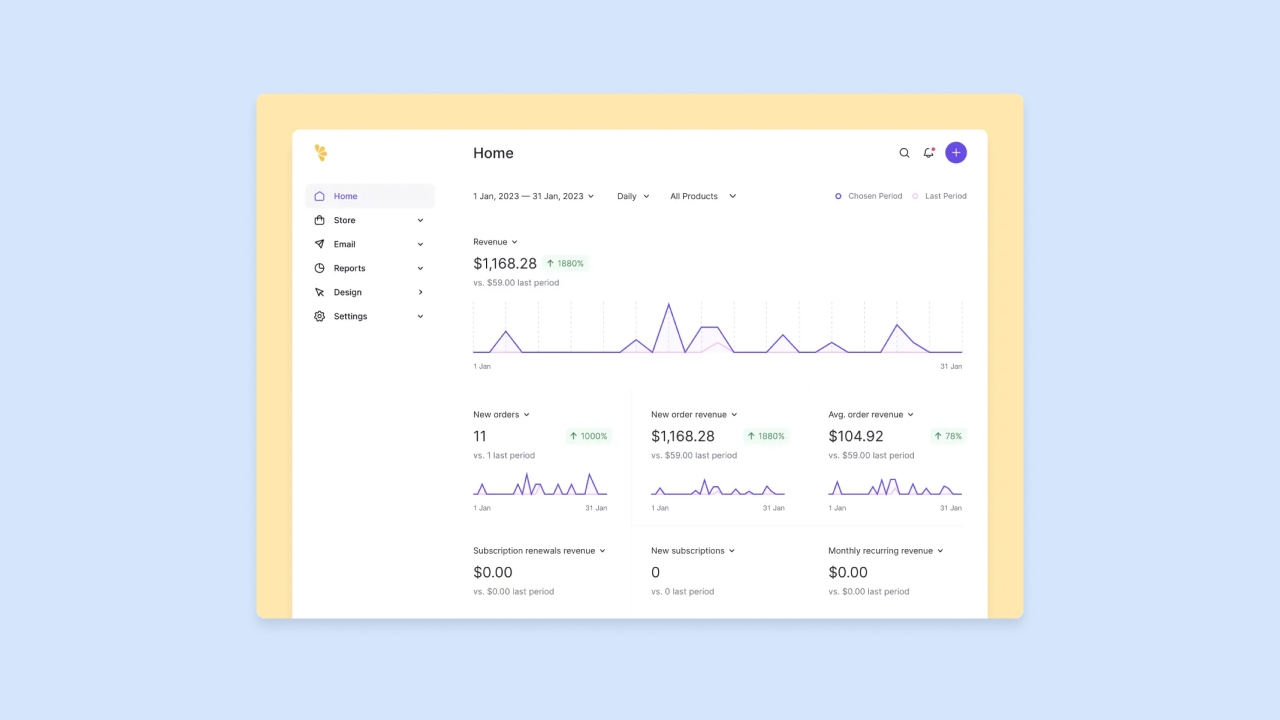
Lemon Squeezy handles billing for software you’ve built elsewhere as a merchant of record, meaning it takes on payment processing, sales tax collection, and compliance for you. You don’t register for VAT or sales tax in every country you sell to, because Lemon Squeezy carries that legal responsibility and remits taxes on your behalf. That makes selling software globally a lot less painful.
Lemon Squeezy covers subscriptions, one-time purchases, discounts, free trials, digital delivery, a customer portal for managing plans, and license key management. You also get checkout flows and webhooks for connecting everything back to your app.
Best for:
- Developer-led teams who have built a web app and need a global billing solution that handles tax compliance automatically. As a merchant of record, Lemon Squeezy collects and remits sales tax and VAT on their behalf.
- SaaS founders who sell software licenses alongside subscriptions and want one tool for both. License key management sits next to subscriptions, discounts, and trials in the same dashboard.
- Builders who want to avoid the complexity of international sales tax registration and remittance. Lemon Squeezy carries that legal responsibility, and you don’t register in every country where you have customers.
Limitations: Lemon Squeezy does not build your product, host your app, or provide AI features. It is a billing and licensing layer that sits on top of a product you have already built elsewhere. If you’re still building your app, start with a product platform like Bubble first and add Lemon Squeezy (or Stripe) for billing once your app is functional.
Pricing: Lemon Squeezy’s current e-commerce pricing is 5% plus 50¢ per transaction, with no monthly charges for e-commerce features. Small additional fees may apply in edge cases.
Compare to: Stripe (more flexible and customizable but requires you to handle tax compliance yourself), Paddle (similar merchant-of-record model with different pricing structure).
If you’re not sure whether you need a product-building platform or just a billing layer, the next two sections cover where AI coding tools fit and walk you through the decision by product type.
Where AI coding tools fit for subscription products
If you’ve already experimented with AI coding tools like Lovable, Bolt, Replit, v0, or Base44, you know they’re good at getting a first version up fast. Most of them also let you edit the user interface visually, which helps you shape the look of your subscription app quickly.
The logic, backend, and data access rules still live in chat or generated code. When you need to adjust prorated downgrades, change which data a subscription tier can access, or fix a billing edge case, you make the change with another prompt or by editing the code directly. If you don’t write code, you’re relying on the AI’s description of how your billing and access rules work instead of checking them yourself.
On mobile, most AI coding tools build web apps as of September 2026, though Replit and Bolt build React Native apps with Expo. If you want code you can export and maintain yourself, a code-first tool is a fair choice.
If you’d rather see and change how your app works yourself, Bubble makes the logic, data, and privacy rules visual too, along with the screens. Your web and native mobile apps share one backend, and you publish to both app stores from the editor.
Which platform fits your subscription product
Start with the type of product you’re building, then match it to the platform designed for that type.
If you sell courses or coaching
- Kajabi: Choose it if you want email marketing, community spaces, and landing pages bundled in one platform. It costs more, but it removes integration work.
- Teachable: Choose it if you want a focused course experience with built-in email marketing at a lower cost.
- Podia: Choose it for a middle ground. It includes community and email marketing at a price closer to Teachable than Kajabi.
None of these platforms support interactive AI tools or native mobile apps with in-app purchases through Apple and Google billing.
If you build an interactive AI tool or SaaS
Choose Bubble if you want to build a custom product: a web or native mobile app people pay to access. You build with the Agent, edit visually whenever you want to make a change yourself, and work from a shared backend you can understand and maintain.
You can connect to AI providers such as OpenAI, Claude, or Gemini to power AI features for your end-users, and handle web subscriptions through Stripe and native mobile in-app purchases from one platform. If global tax compliance is a priority, consider Lemon Squeezy for billing and licensing on top of your app.
If you have an existing site and want to add a paywall
Choose Memberful if you already have a WordPress site, podcast feed, or newsletter and want to gate content behind a subscription without switching platforms. Memberful handles billing, access control, and some content delivery (newsletters, podcasts, downloads), but it isn’t a full website builder.
If you only need subscription billing and licensing
Choose Lemon Squeezy if you’re a developer-led team that has already built your product and needs a merchant-of-record billing solution that handles global tax compliance automatically. Stripe is an alternative with more flexibility and lower fees, but you handle tax compliance yourself.
Start building your subscription product today
Course and community businesses have strong purpose-built options in Kajabi, Teachable, Podia, and Circle. Billing layers like Memberful and Lemon Squeezy solve specific problems for sites and products you already have. Custom AI tools and mobile subscription apps need a platform you understand well enough to keep changing as your pricing, tiers, and features evolve.
Bubble combines building with AI, visual development, a shared web and mobile backend, and built-in hosting and security. You can add a pricing tier, launch a mobile version, or fix billing logic yourself on the same platform as you grow.
Getting started is free, and the Free plan lets you build and test your subscription app before you commit to a paid plan. Describe your app to the Agent, refine it in chat or in the visual editor, and deploy to web and native mobile when you’re ready.
Start building on Bubble for free
Frequently asked questions
Which platform is best to build an AI SaaS with recurring billing?
Bubble fits AI SaaS products well because you build with the Bubble AI Agent, refine the data, privacy rules, and workflows visually, and connect Stripe for web subscriptions. You can also ship native iOS and Android apps with in-app purchases (beta) for subscriptions, with entitlements tracked automatically.
How do I sell subscriptions in native iOS and Android apps?
Use a platform that supports native mobile builds and in-app purchases, since Apple and Google require them for digital subscriptions sold through their apps. On Bubble, in-app purchases (beta) cover recurring subscriptions, and Bubble validates your Apple and Google store settings before deployment and tracks entitlements in your database automatically.
Can I migrate to a different platform later without rebuilding?
It depends on what you outgrow: Moving from a content platform like Kajabi to a custom app usually means rebuilding the product experience while you migrate subscribers. A platform that shows your data and workflows visually and includes web, native mobile, hosting, and scaling, like Bubble, lets you keep evolving the product where it already lives.
Do I need an LLM provider if my platform says it’s AI-powered?
Often, yes: “AI-powered” usually means AI that helps you build the product or write content, while AI features inside your product, like summarization, extraction, or chat, typically need a provider like OpenAI, Claude, or Gemini. Choose a platform where those integrations are visible and maintainable.
Do these platforms support flat monthly pricing, usage-based pricing, or both?
Creator platforms like Kajabi, Teachable, and Podia generally favor flat monthly tiers, while app-building platforms and billing tools can support both flat and usage-based pricing. Check each platform’s proration, trial, and coupon logic before you commit, since it determines how flexible your pricing can be after launch.
What is the best platform for selling course memberships?
Kajabi fits creators who want courses, community, and email marketing in one platform, Teachable fits a focused course business at a lower cost, and Podia sits in between on price. None of them support native mobile apps with in-app purchases through Apple and Google billing.
Build for as long as you want on the Free plan. Only upgrade when you're ready to launch.
Join Bubble


