

TL;DR: High scalability programming is about designing systems that stay fast and reliable as they grow — not by writing clever code, but by making the right architectural decisions early. This guide walks through the patterns that matter most: how to distribute load, structure your data layer, keep failures from cascading, and validate that your app can handle real traffic before it has to.
You’ve built something that works for a handful of users. Queries run fast, pages load quickly, and nothing breaks in testing. But one question keeps coming up: what happens when those users multiply, or when a product launch sends a sudden spike of traffic your way?
Scalability isn’t something you bolt on later. It comes from the architecture and data decisions you make early, before problems show up in production. This guide covers what high scalability programming means in practice, which patterns to apply at each layer of your system, how to keep failures contained, and how to prove your app scales before a big launch.
What is high scalability programming?
High scalability programming means designing a system so it can handle more users, more data, and more traffic without breaking down or requiring a full rebuild. The focus is on system design: how work gets distributed, where data lives, and how different parts of your app communicate under load.
A function that runs in 10 milliseconds is fast. But if it can only run on one server at a time, it won’t scale. The goal is to distribute work across multiple machines without creating new bottlenecks in the process.
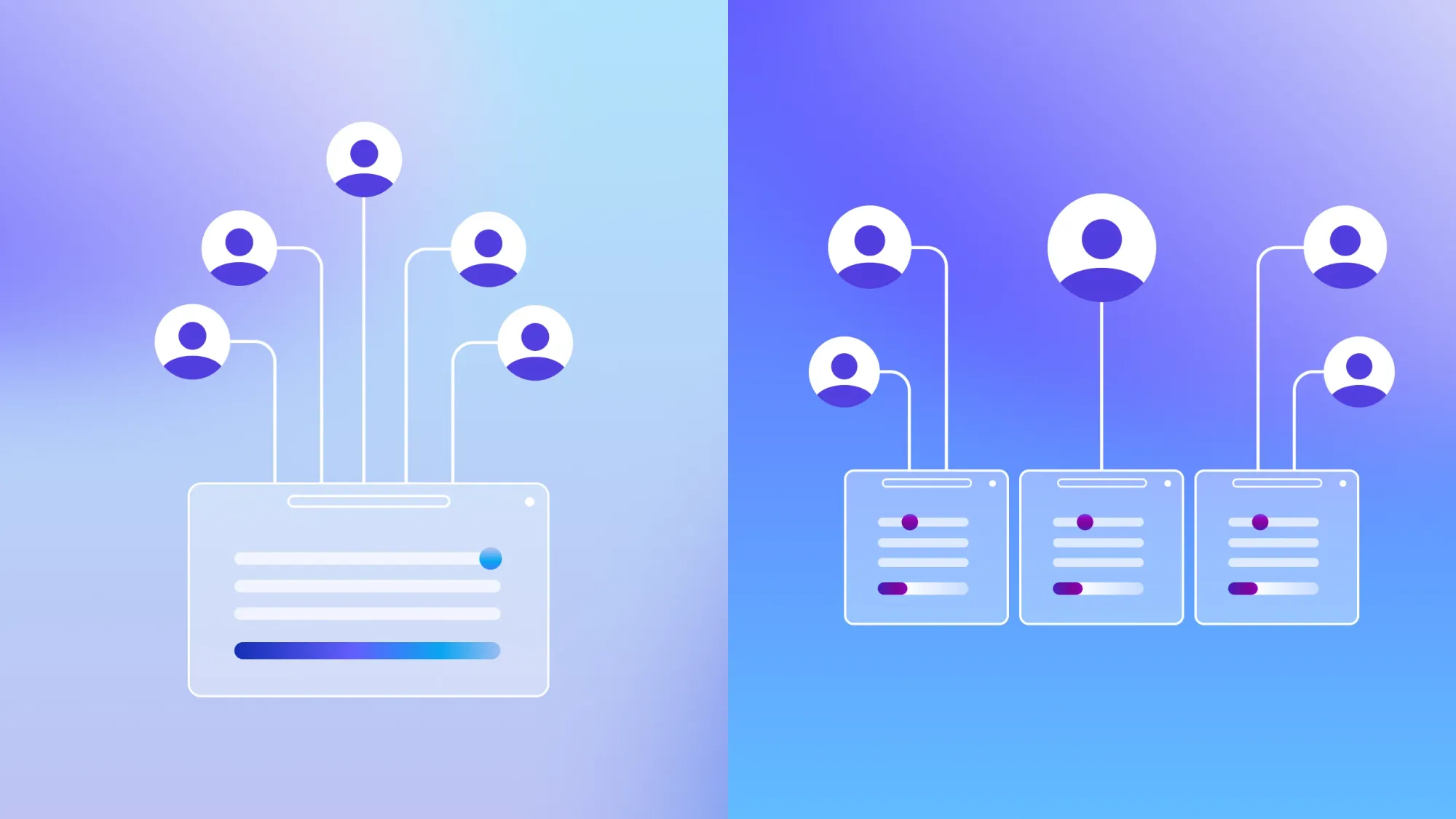
There are two basic ways to add capacity:
- Vertical scaling means giving a single server more resources: more CPU, more memory, faster storage.
- Horizontal scaling means adding more servers to share the load.
Most production systems use both, but the right balance depends on your workload, cost constraints, and reliability requirements.
Why scalability is a business priority
Scalability problems tend to surface at the worst possible time. A press mention, a successful campaign, or a viral moment can expose architectural weaknesses that were invisible at low traffic. Users who hit a slow or broken app during a spike rarely come back.
Retrofitting is expensive. Redesigning a database schema on a live app, migrating to distributed services while users are active, rewriting auth logic to meet enterprise requirements — these are high-risk projects that eat into shipping time. The decisions you make early tend to compound.
The patterns in this guide are designed to be applied from the start, without over-engineering.
Architecture patterns that actually scale
Architecture patterns are repeatable design decisions that address common scalability problems. Each one targets a specific bottleneck, whether that’s request handling, data access, or how services coordinate with each other.
Vertical and horizontal scaling
Vertical scaling is simpler to start with. You add more resources to one machine and your application code doesn’t change. The limitation is that there’s a ceiling on how large a single machine can get, and if that machine goes down, so does your app.
Horizontal scaling distributes requests across multiple servers. If one fails, the others keep serving traffic. It also lets you add capacity during peak hours and scale back during quiet periods, which makes it more cost-efficient over time.
The catch is that horizontal scaling works best when your app is stateless, meaning no server holds session data that another server can’t access. All persistent data needs to live in a shared store, like a database or cache, so any server can handle any request.
Stateless services and load balancing
A stateless service doesn’t store session data on the server itself. User state lives in the database or cache instead. This matters because when any server can handle any request, you can add or remove servers freely without disrupting active users.
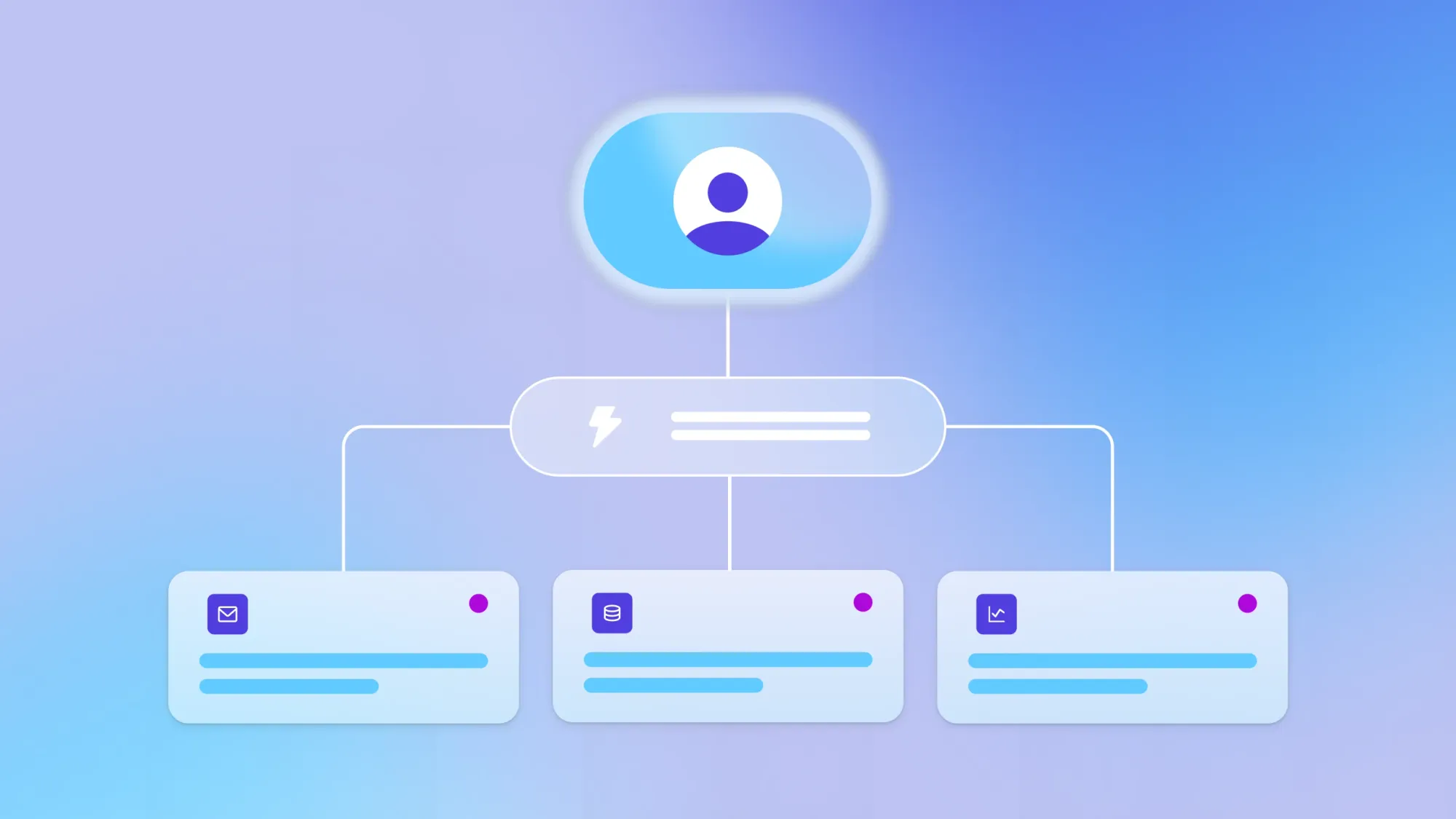
A load balancer sits in front of your servers and routes incoming requests across the available machines. As traffic grows, you add servers and the load balancer distributes to them automatically.
Sticky sessions, where a user is always routed to the same server, can work in some setups but they introduce tech debt and make failover more complicated. Stateless design avoids the problem entirely.
Event-driven architecture and CQRS
In an event-driven architecture, services communicate by publishing events rather than calling each other directly. When an order is placed, that event is published and other services (billing, fulfillment, notifications) respond to it independently. This decouples components so they can scale separately, and it handles bursty traffic well: 1,000 orders arriving at once queue up as events and get processed as capacity allows.
CQRS (Command Query Responsibility Segregation) takes a related approach by separating read and write paths. Reads and writes have different performance needs. Reads require fast lookups across large datasets; writes require transaction integrity. Separating them lets each scale independently.
A practical example: A dashboard displaying thousands of customer records doesn’t need to compete with the write path processing new orders. The dashboard can read from a structure optimized for aggregation, while orders write to a normalized structure built for data integrity.
How to scale your data layer without hotspots
The database is usually the first place a growing app runs into trouble. A hotspot happens when too many requests hit the same row, table, or node at once, creating a bottleneck even when the rest of your infrastructure has capacity to spare. The techniques below help you distribute data access so no single point gets overwhelmed.
Where caching works and how to avoid stale data
Caching stores a copy of data in a fast-access layer, usually memory, so your app doesn’t re-query the database for the same result on every request. It works well for data that’s read often and doesn’t change much: product catalogs, user profiles, configuration settings. Each cached value has a TTL (time to live) that controls how long it’s kept before being refreshed from the source.
The main risk with caching is serving stale data after the underlying record has changed. For frequently updated data, use a short TTL or implement cache invalidation, which means explicitly clearing a cached value when its source changes. For data that rarely changes, a longer TTL reduces unnecessary database queries.
It’s also worth distinguishing two types of caching. Application-level caching stores query results or computed values in memory on your server. A CDN (content delivery network) caches static assets like images, scripts, and stylesheets on servers physically close to your users, which reduces load on your origin server and speeds up delivery for people in different regions.
Read replicas, sharding, and indexing for throughput
These three techniques target different bottlenecks. Knowing when to use each one saves you from over-engineering.
A read replica is a copy of your database that handles read queries, freeing the primary database to focus on writes. It’s useful when your app reads much more than it writes. Dashboards, search pages, and analytics queries are good candidates. The trade-off is eventual consistency: Changes written to the primary take a few milliseconds to propagate to replicas, so reads may return slightly outdated data.
Sharding splits your database into smaller pieces distributed across multiple nodes. It’s the right move when a single node can’t handle write volume, even with replicas in place. The shard key (the field that determines which shard a record lives on) matters a lot here. A poorly chosen shard key can concentrate writes and recreate the hotspot problem you were trying to avoid.
Indexing creates a lookup structure on a column so the database doesn’t scan every row to find matching records. Without appropriate indexes, query times grow with the size of your table. Always index the fields you filter and sort on most.
When to use each technique:
- Read replicas: Read traffic is outpacing write traffic and your primary database is under strain.
- Sharding: A single database node can’t handle write volume, even with replicas.
- Indexing: Always — index the fields you query most frequently to avoid full-table scans.
How to keep latency low and failures contained
Latency is the time between a user’s request and your app’s response. At scale, two things tend to cause the most damage: Latency that compounds across services, and cascading failures where one slow component causes others to back up. The patterns below address both.
How to keep latency low and failures contained
Latency is the time between a user’s request and your app’s response. At scale, two things tend to cause the most damage: Latency that compounds across services, and cascading failures where one slow component causes others to back up. The patterns below address both.
Async processing, queues, and backpressure
Async processing moves work that doesn’t need to happen immediately off the main request path. Sending an email, generating a report, or running an AI job can all happen in the background while the user gets a fast response. A message queue holds those tasks until a worker is ready to process them.
A practical example: A user uploads a file for processing. Rather than making them wait while it runs, the app queues the job and immediately sends back a confirmation. Processing happens in the background and the user can keep working.
Backpressure is what happens when the queue fills up faster than workers can drain it. A well-designed system responds by slowing down intake rather than accepting unlimited tasks until it crashes. Requests wait a bit longer or get rejected with a clear error. This is intentional behavior, not a failure. It keeps the system stable when load spikes.
Timeouts, retries, and circuit breakers
A timeout sets a limit on how long your app will wait for a response from another service before giving up. Without one, a single slow dependency can tie up your entire request thread. Set timeouts on every outbound call.
A retry automatically tries a request again after a failure. The risk is that retries can make an already-overloaded service worse. Exponential backoff with jitter addresses this: Each retry waits progressively longer, with a small random delay added to prevent multiple clients from retrying at the same instant.
A circuit breaker monitors a downstream service and stops sending requests to it when it’s consistently failing — similar to a fuse that trips to protect a circuit. After a cooldown period, it tests the service with a small amount of traffic before resuming normal load.
Key practices:
- Timeouts: Set on every outbound call. A missing timeout can freeze your entire request thread.
- Retries with exponential backoff: Retry failed requests, but wait longer each time and add a small random delay to avoid synchronized retry storms.
- Circuit breakers: Stop calling a failing service automatically, give it time to recover, then test cautiously before resuming full traffic.
How to pick infrastructure that scales without runaway costs
Where your app runs and how it grows affects both reliability and cost. These patterns keep scaling manageable without requiring deep DevOps expertise.
Autoscaling and CDNs for global users
Autoscaling adds or removes compute resources based on real-time demand. During quiet hours you’re not paying for idle capacity; during traffic spikes you’re not scrambling to provision servers manually. For best results, trigger autoscaling on meaningful signals like queue depth or p95 request latency (the response time that 95% of requests fall under), not just CPU usage alone.
A CDN reduces latency for users in different regions by serving static content from servers physically close to them. A user in Tokyo gets assets from a local CDN node rather than your origin server elsewhere. This cuts load on your origin and speeds up the experience for users regardless of location.
How to scale web and native mobile on one backend
Running separate backends for web and mobile means duplicated logic, duplicated data rules, and twice as many places for scaling or security issues to appear. The cleaner approach is a shared backend: one database, one set of workflows, and one set of privacy rules that covers web, iOS, and Android together.
That’s the model Bubble is built around. Instead of managing separate codebases, you build web and native mobile apps from the same editor and project, with a shared backend keeping everything in sync.
The design, database, privacy rules, and logic are all visible and editable in one place. Bubble’s native mobile editor is currently in beta, so it’s worth testing thoroughly before publishing. The mobile engine runs on React Native’s new architecture, which improves startup time, scrolling, transitions, and stability.
Bubble scales workload automatically to handle traffic and processing spikes; usage is measured in workload units, overages can be disabled, and app performance still depends on how efficiently the app is built. Privacy rules give builders visual control over who can find, view, and modify data, enforced server-side across web and mobile. The security dashboard runs automated checks for common vulnerabilities: missing privacy rules, exposed fields, unsafe API configuration, and leaked credentials. Available checks vary by plan and some aren’t yet available for mobile.
Bubble is SOC 2 Type II compliant and supports SSO for enterprise organizations, so security requirements can be met through visual configuration rather than custom security code.
How to observe, load test, and prove scalability
Good architecture is necessary but not sufficient. You need to measure whether your app actually holds up under load, and catch problems before your users do.
Start by defining SLOs (service level objectives): Agreed targets for system behavior, like “95% of requests respond in under 500 milliseconds.” SLIs (service level indicators) are the actual metrics you track against those targets. Setting your SLOs before you test gives you a clear benchmark for what passing looks like.
The validation process follows six steps in order:
- Define your SLOs: Set targets for p95 latency, error rate, and availability before you run a single test.
- Model realistic traffic: Build a load test that reflects how real users behave — a mix of reads and writes, realistic data sizes, and concurrent user counts that match your growth targets.
- Run soak and spike tests: A soak test applies sustained load over time to catch gradual issues like memory leaks. A spike test applies sudden bursts to see how the system recovers.
- Tune and retest: Fix the top bottleneck you find, then retest. Don’t try to fix everything at once.
- Add distributed tracing: Tracing lets you follow a single request through every service it touches, so you can see exactly where latency is being introduced.
- Roll out with canaries and feature flags: A canary release sends a small portion of traffic to the new version first. Feature flags let you enable changes for a subset of users. Both approaches let you catch problems before they affect everyone.
How to keep data secure and compliant at scale
As an app grows, so does its attack surface: more data, more users, more integrations, more entry points. Security controls that work fine at small scale need to be built into the architecture from the start to stay manageable.
Core security practices for scalable apps:
- Row-level access control: Ensures each user can only read or write their own data. On Bubble, these are called privacy rules — server-side conditions that control who can find, view, modify, or access specific data types, fields, and files, ranging from owner-only to role-based permissions. Bubble AI can generate privacy rules for new data types, but builders should review and refine them on the visual editor.
- Field-level permissions: Restrict access to sensitive fields like payment data or personal information, even within records a user can otherwise see.
- Secrets management: API keys and tokens should never be stored in public-facing fields. Bubble’s security dashboard checks for exposed credentials and, on plans with advanced checks, compromised API tokens. Manual review is still important; the dashboard flags likely issues but isn’t exhaustive.
- SSO: For enterprise organizations, SSO lets users authenticate through a centralized identity provider, reducing attack surface and simplifying user management.
- Compliance standards: SOC 2 Type II means an independent audit has evaluated your infrastructure’s controls against defined security criteria over a period of time. Bubble provides report access through Sales, which is often a requirement for enterprise deals.
Bubble’s visual editor and security dashboard make it easier to inspect and act on security settings rather than hunting through code. The privacy rules checker surfaces publicly accessible fields and potential data leaks, while security-dashboard checks provide specific guidance on exposed credentials, unsafe API configuration, and token risks.
Start building for scale
The patterns in this guide apply at any scale. Start with the database — for most apps, that’s where bottlenecks appear first. Add caching for data that’s read often, indexes for the fields you query most, and async processing for work that doesn’t need to block a response. Then test, measure, and iterate.
If you’re building on Bubble, the infrastructure side is taken care of from day one: automatic scaling, built-in security, and a shared backend across web and mobile. Start building on Bubble to use AI to generate your app fast. Then you can edit visually across your design, database, workflows, and privacy rules so you stay in control as your app grows. It’s scalable vibe coding without the code.
Frequently asked questions
What does high scalability mean in software development?
High scalability means a system can handle growing demand (more users, more data, more traffic) without degrading in performance or requiring a full architectural rebuild. It’s achieved through stateless services, async processing, smart caching, and a data layer designed to distribute load.
What is the difference between horizontal and vertical scaling?
Vertical scaling adds more resources (CPU, memory) to a single server. It’s quick to implement but has a ceiling. Horizontal scaling adds more servers to share the load. It’s more resilient and cost-elastic, but requires your app to be stateless so any server can handle any request.
How can I ensure my app is scalable and secure on a no-code platform?
On a platform like Bubble, scalability and security are built into the infrastructure. Auto-scaling handles traffic growth automatically, privacy rules enforce row- and field-level data access, and the security dashboard scans for vulnerabilities before you deploy. Bubble is SOC 2 Type II compliant and supports SSO, so enterprise-grade security doesn’t require writing security code manually.
What are examples of highly scalable systems?
Messaging platforms, streaming services, and two-sided marketplaces are common examples. They typically use event-driven pipelines to decouple services, CQRS to separate read and write scaling, and global CDNs to reduce latency for users across regions.
How do I prove my app is scalable before launch?
Define your SLOs first: Set targets for latency and error rate, then run soak and spike load tests against realistic traffic models. Fix the top bottleneck, retest, add distributed tracing to identify slow paths, and roll out behind a canary release so issues surface before they reach all users.
Build for as long as you want on the Free plan. Only upgrade when you're ready to launch.
Join Bubble


